SolidCraft Plugins

SolidCraft plugins, in one place

Community plugins for the SolidCraft CAD app. Each one makes ordinary, editable SolidCraft features. Download the zip and install it from Plugins › Install plugin…

91 plugins

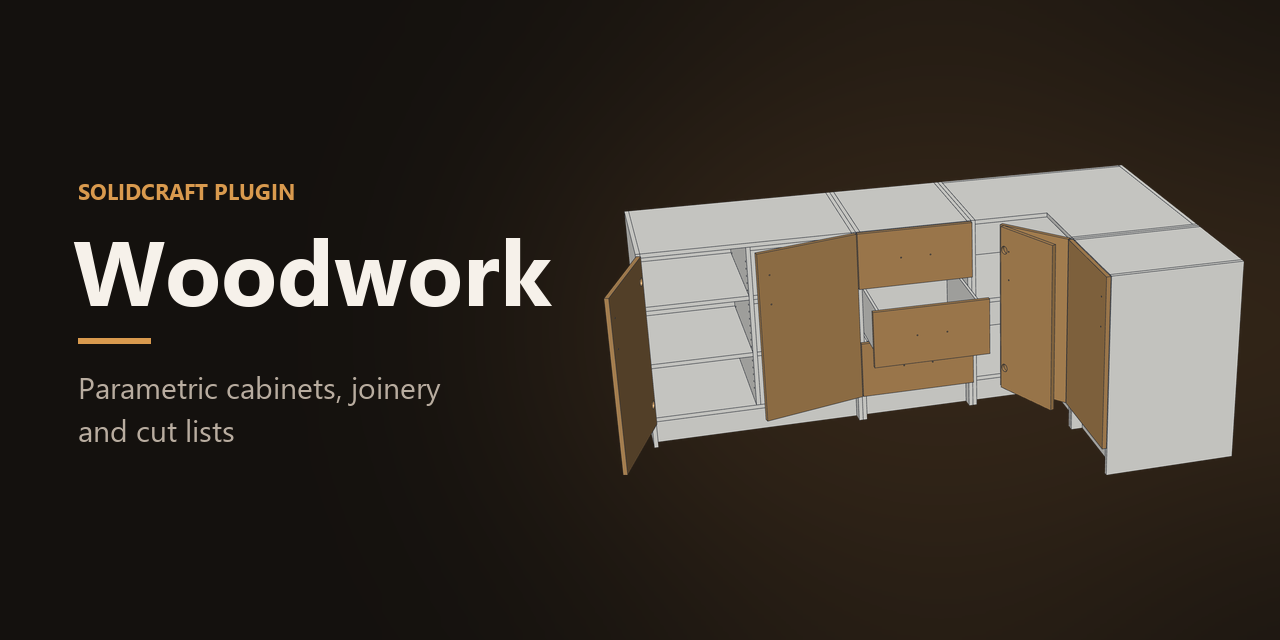
Woodwork: SolidCraft pluginW

Woodworking

Woodwork v0.5.0

TomasDJo Quality check: not passed (v0.5.0) · 25/32

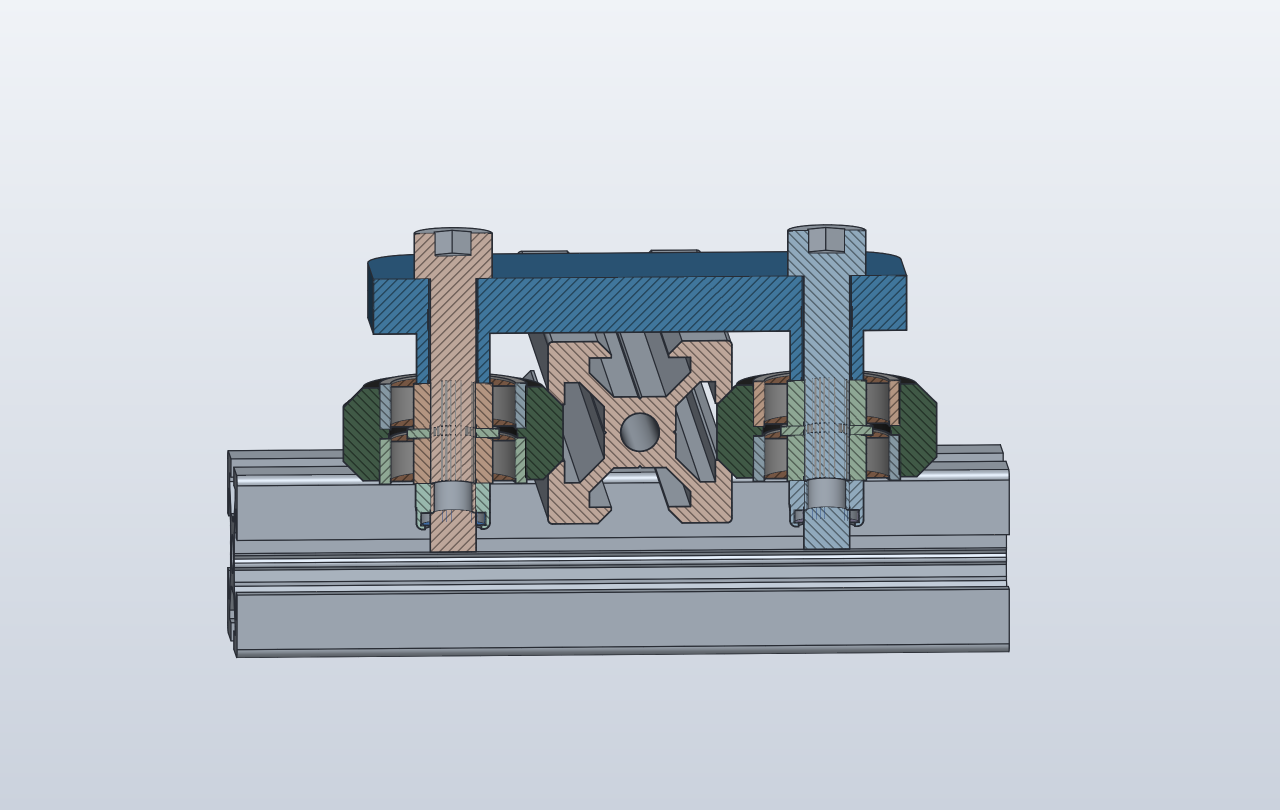
Cabinets and furniture in sheet goods: carcass generator and cut list.

Menu: Cabinet · Material · Panel · Mobile base · Connector bolts · Worktop · Cut list · Drawing · Apply settings · General settings · Fronts settings · Doors settings · Drawer settings · Plinth and wall mount settings · Joinery settings · Cut list and worktop settings · Display settings

cadwoodworking

✓ Loads in SolidCraft 0.51.2

Asks for: files
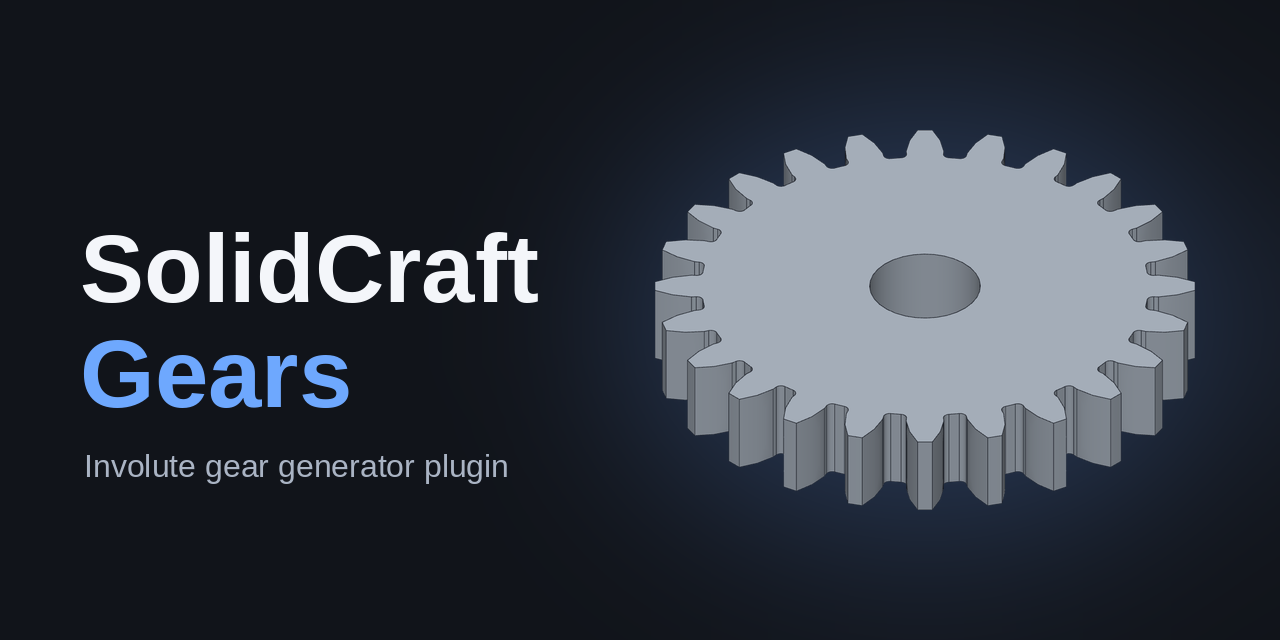
Gridfinity: SolidCraft pluginG

Storage & organizing

Gridfinity v1.7.1

tharje ✓ Quality checked · 30/30

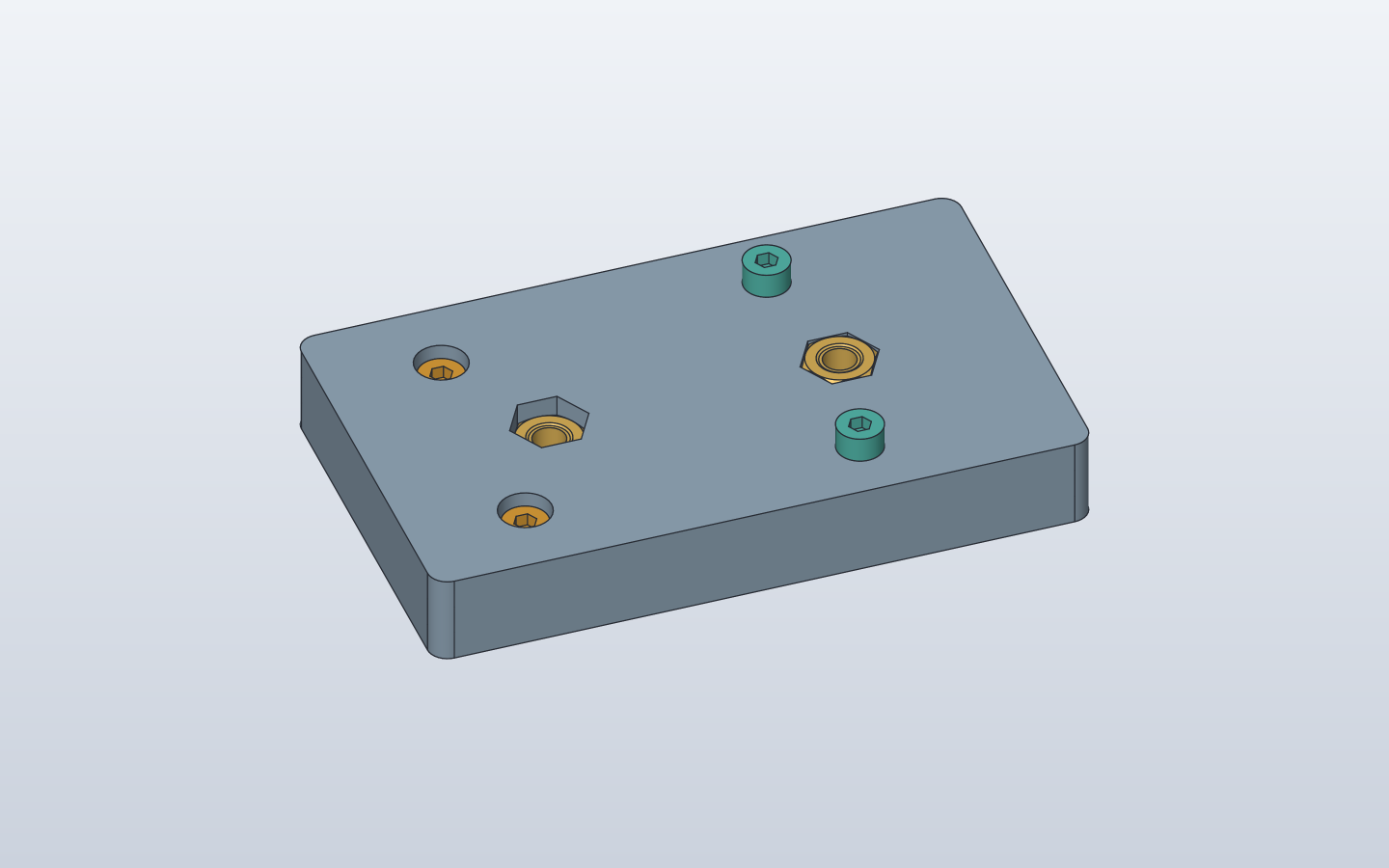
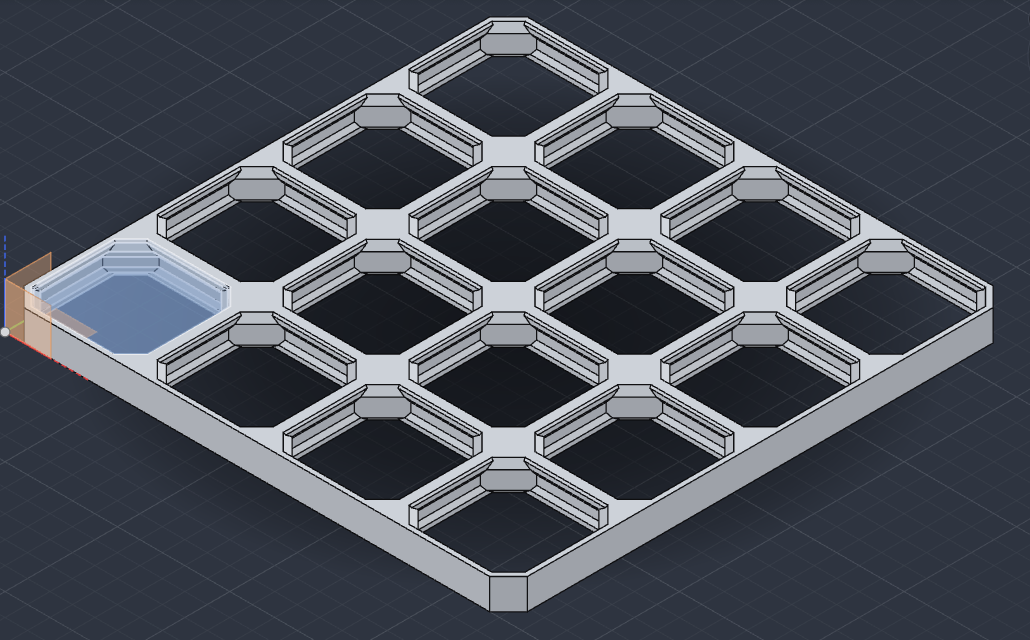
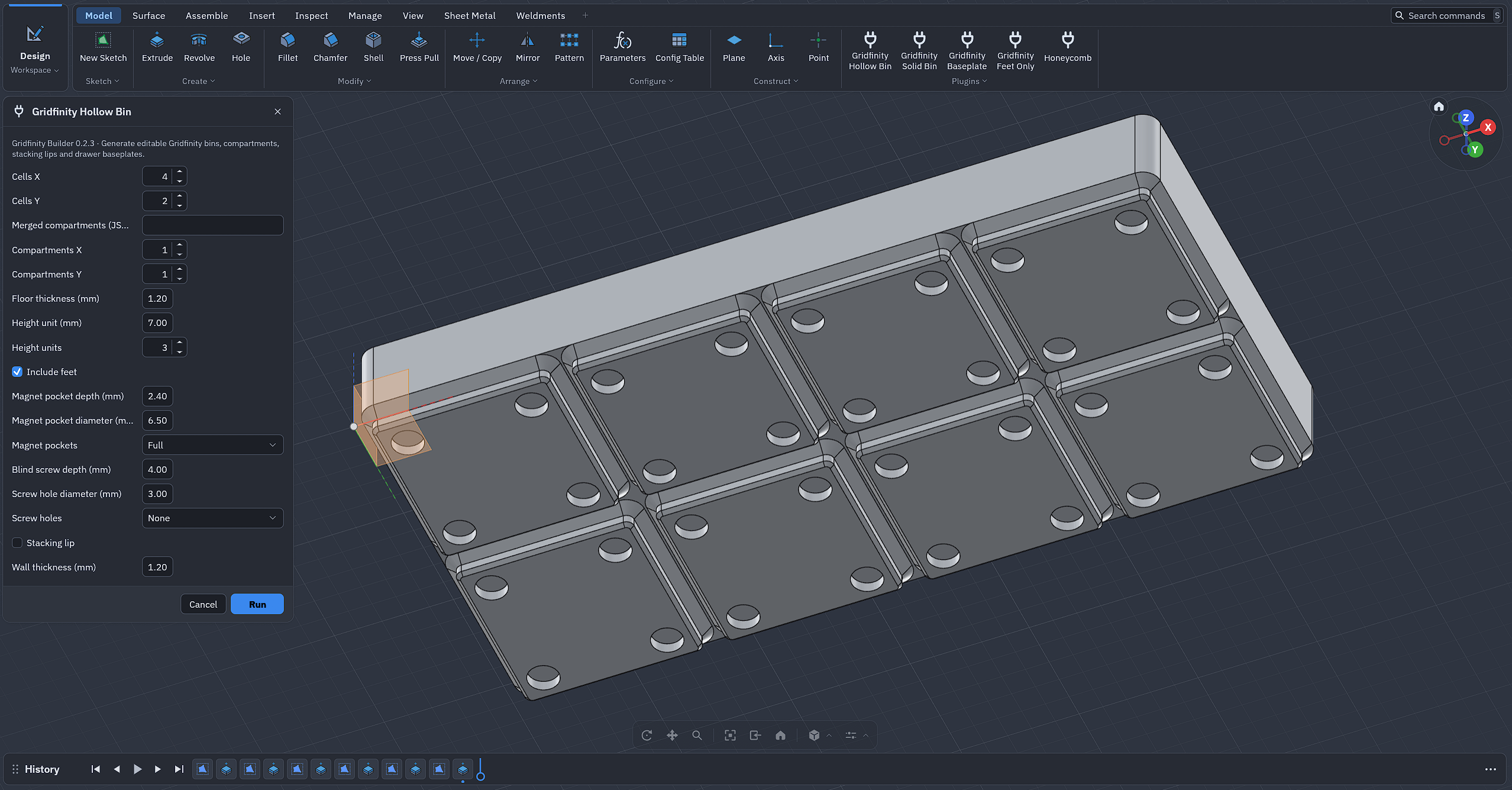
Gridfinity bins (hollow, eco or solid), baseplates, and drawer baseplates split to fit your printer or a picked drawer floor, on a full, half or custom grid. Edit bin changes a bin it made, showing its settings.

Menu: Gridfinity bin · Gridfinity baseplate · Gridfinity drawer baseplate · Edit Gridfinity bin · Gridfinity panel · panel-refresh · panel-select · quick-bin-1x1 · quick-bin-scoop · quick-bin-4 · quick-bin-eco · quick-plate · layout-remove · layout-restore · settings-change

3d-printingbaseplatebinscadgridfinity

✓ Loads in SolidCraft 0.51.2

Generative Design Engine: SolidCraft pluginG

Other

Generative Design Engine v0.15.0

LudaLunizz ✓ Quality checked · 39/39

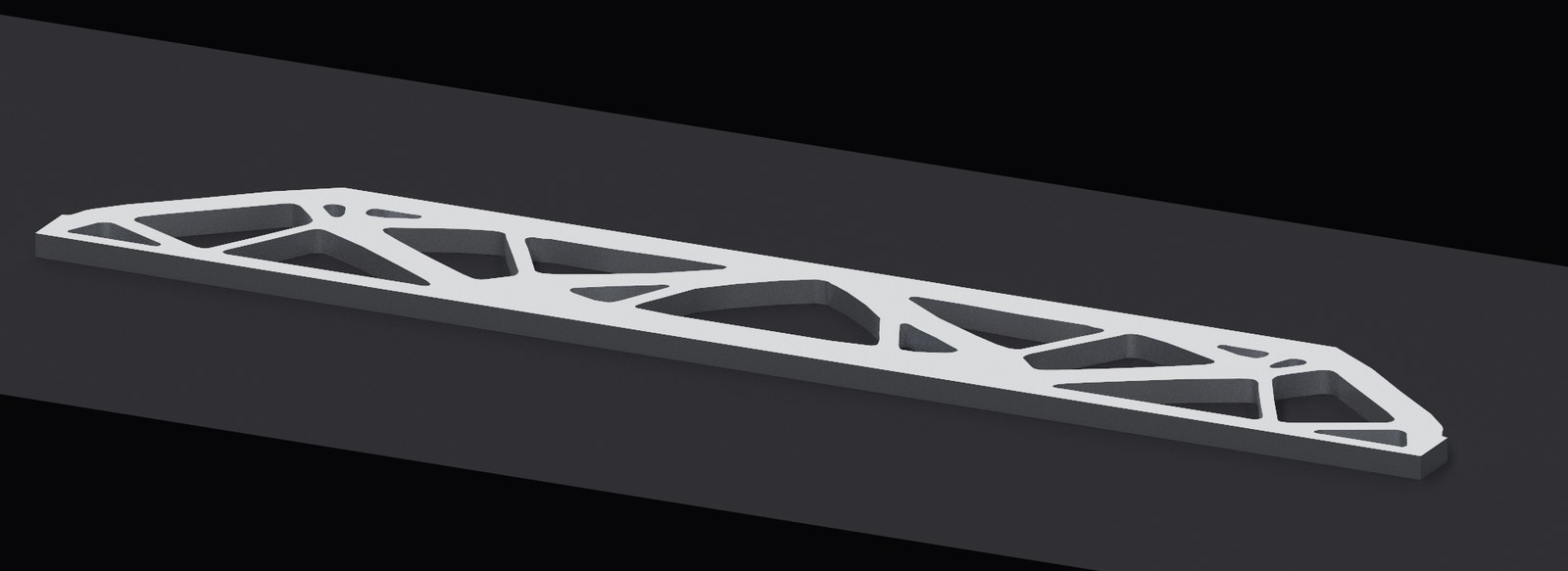
Engineering material library (sourced cards), material report, a 2D stress check of flat parts with safety factor, a plate optimiser and a round-bar bracket designer (truss). Third-party plugin, not affiliated with SolidCraft.

Menu: apply-material · material-report · materials · stress-check · optimise-plate · bar-bracket · solver-benchmark

✓ Loads in SolidCraft 0.51.2

Wood joinery: SolidCraft pluginW

Woodworking

Wood joinery v0.15.0

WilliamHJKL ✓ Quality checked · 83/83

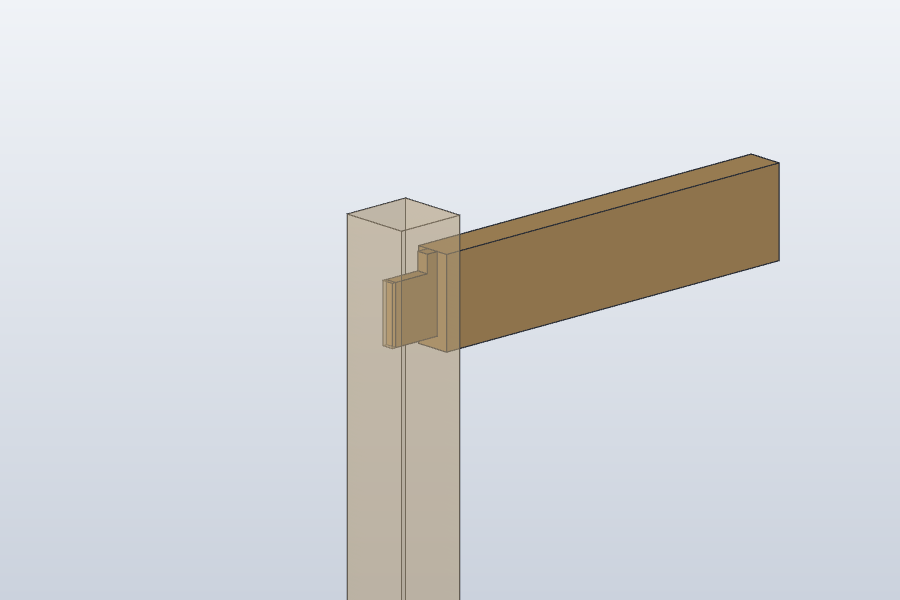
Woodworking joints between boards: mortise and tenon, grooves, half laps, dowels, box joints, loose tenons, housings, miters, tongue and groove, scarfs, dovetails, screws and biscuits.

Menu: Mortise and tenon · Loose tenon · Groove · Tongue and groove · Housing joint · Half lap · Miter joint · Scarf joint · Box joints · Dovetails · Dowels · Biscuits · Screws · Edit a joint · Update joints · Refresh the Joints panel

✓ Loads in SolidCraft 0.51.2

revmesh: SolidCraft pluginR

Hardware & fasteners

revmesh v0.2.0

stritti

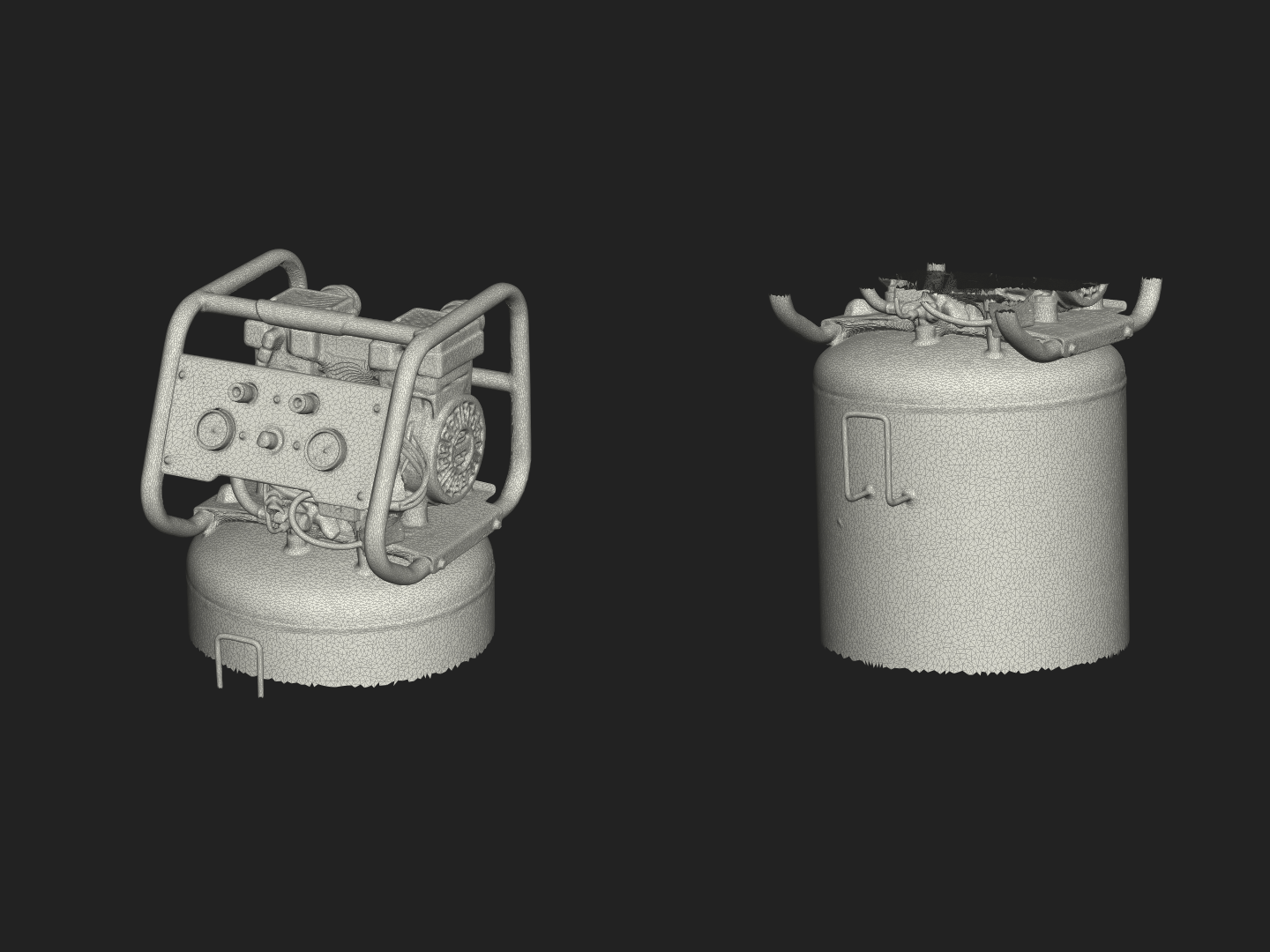
Opens STL, OBJ and PLY meshes as editable designs: recognises plates, holes and fillets and rebuilds them as a parametric history; anything not recognised is kept as a mesh. Project: https://github.com/stritti/revmesh

Menu: Insert

cadsolidcraft-pluginsstl

✓ Loads in SolidCraft 0.51.2

Mould Maker: SolidCraft pluginM

3D printing

Mould Maker v0.5.2

Mechmoth

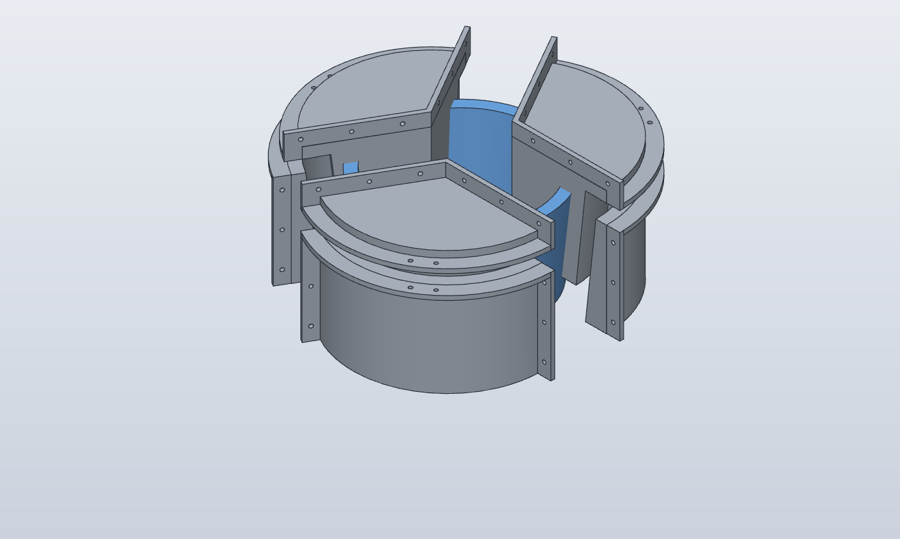
Printed moulds sized to your printer. Round: bowls, planters. Box: flat-sided parts. Silicone sleeve: plug, split sleeve and base for a silicone liner. Big round moulds take two runs: if only the jacket appears, run again.

Menu: Round mould… · Box mould… · Silicone sleeve mould…

3d-printingmould-makingsolidcraft-plugins

✓ Loads in SolidCraft 0.51.2

Gear generator: SolidCraft pluginG

Gears & motion

Gear generator v0.4.0

pro-d-e-v Quality check: not passed (v0.4.0) · 12/13

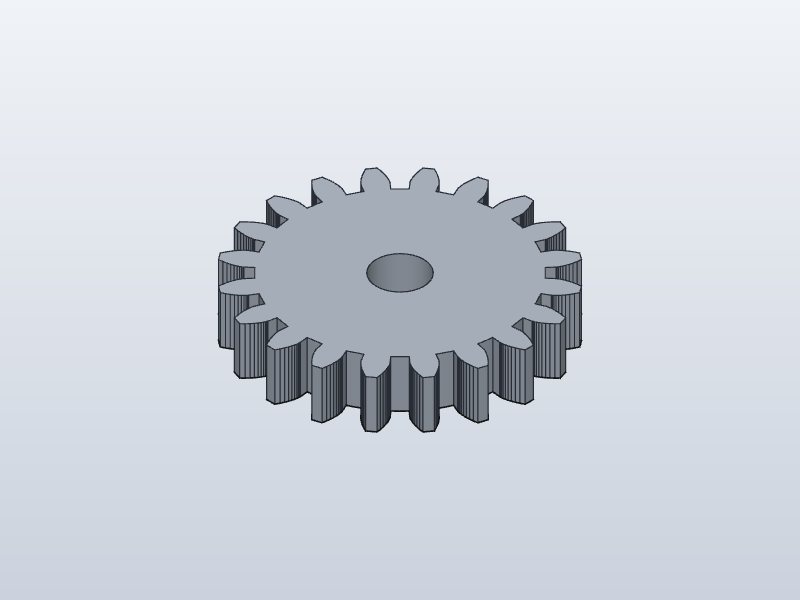
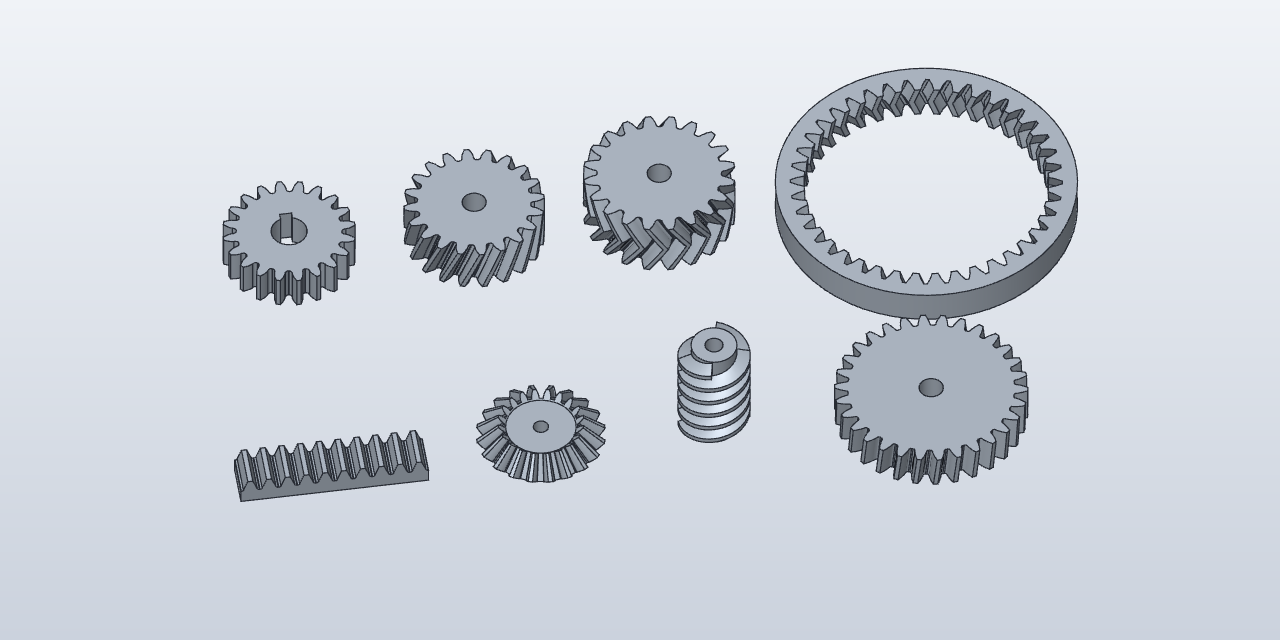
A SolidCraft plugin: parametric involute spur gear generator (wasm component per RFC 0002)

Menu: Создать шестерню…

The plugin's menu and form are in Russian (Генератор шестерён).

✓ Runs in SolidCraft 0.51.2

Isometric Manufacture Sheet: SolidCraft pluginI

Export & workflow

Isometric Manufacture Sheet v1.1.0

jcar01

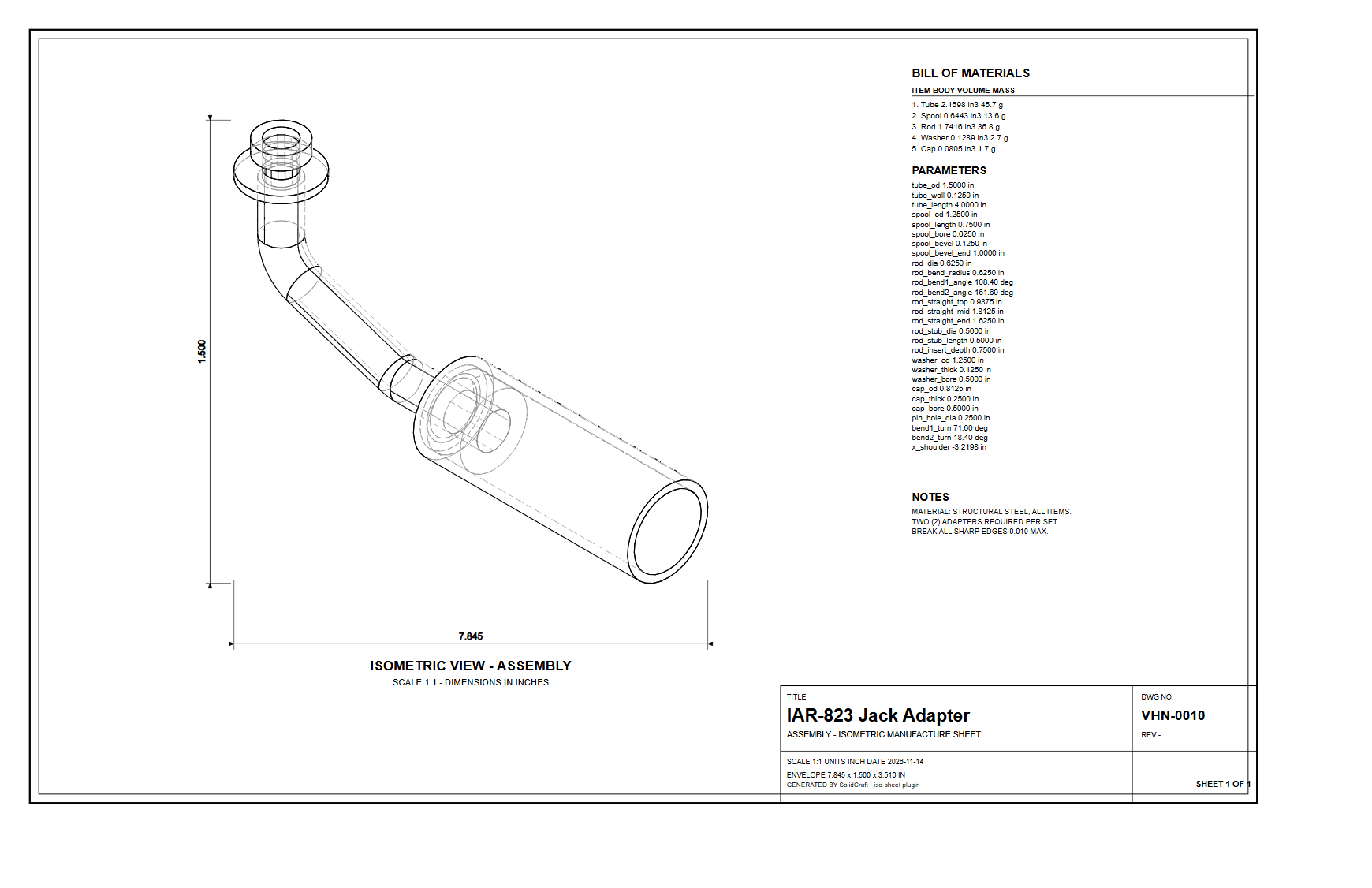
Projects every body of the open design to a true isometric, removes hidden lines with a depth buffer, and writes a dimensioned ANSI B manufacture sheet as SVG: title block, bill of materials, parameter table, notes and overall dimensions.

Menu: Isometric Sheet

✓ Loads in SolidCraft 0.51.2

Asks for: files

3D Printing Holes: SolidCraft plugin3

Hardware & fasteners

3D Printing Holes v0.2.2

SB97 ✓ Quality checked · 7/7

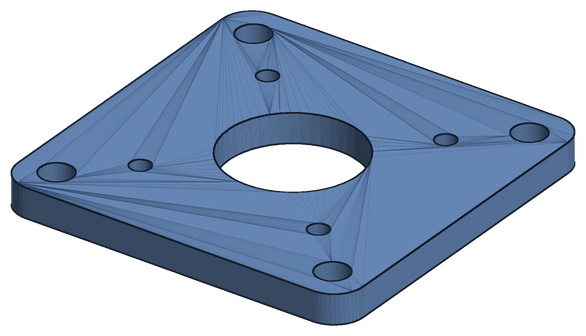
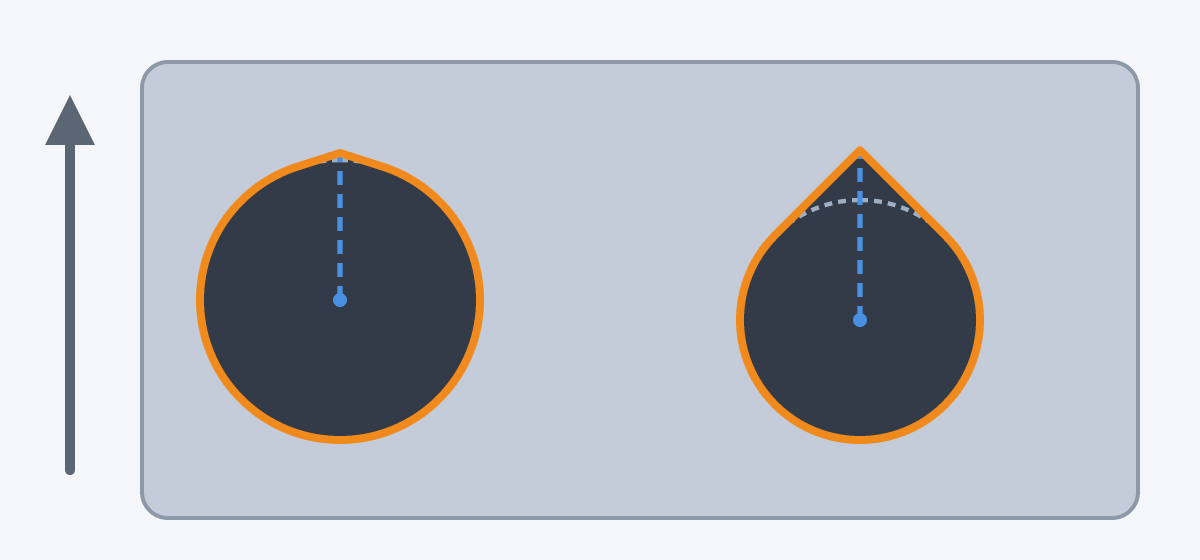
Holes made for 3D printing. Teardrop: select sketch circles and run it; each gets a small tip a few percent of the diameter above it, so the top of a horizontal hole does not sag. Nothing selected: it draws an example hole.

Menu: Teardrop

3d-printing

✓ Runs in SolidCraft 0.51.2

EasyPDM: SolidCraft pluginE

Export & workflow

EasyPDM v0.9.1

pawelcel

Upload designs to an EasyPDM server and download them, through the EasyPDM companion program.

Menu: Upload · Download · Log in · Log out

Needs an EasyPDM server and the EasyPDM companion program, which also makes the plugin zip for each computer.

bomcadpdmproduct-data-managementself-hosted

Asks for: files, extra SolidCraft commands

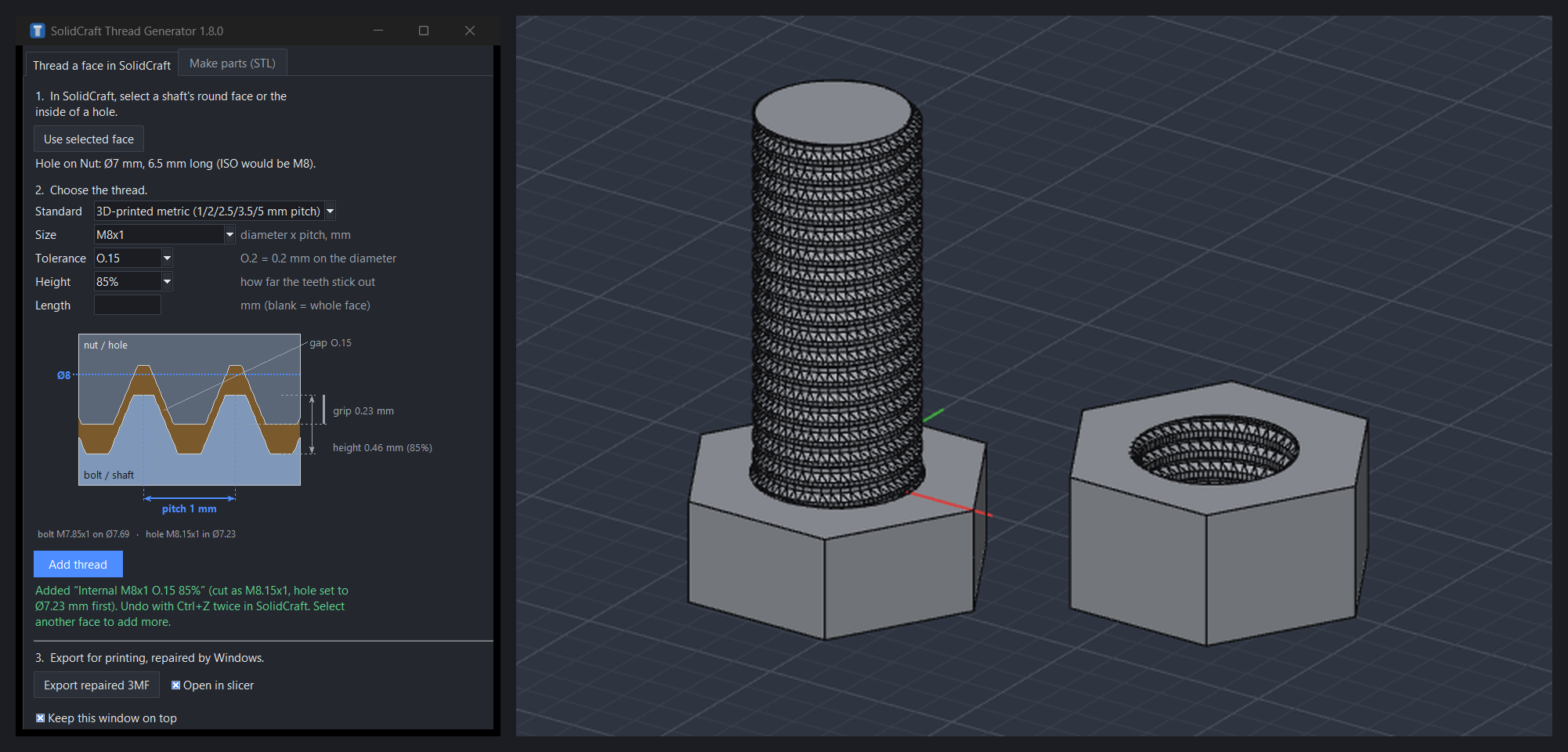
Thread Generator: SolidCraft pluginT

Hardware & fasteners

Thread Generator v2.0.6

Stigern Quality check: could not be checked (v1.8.0)

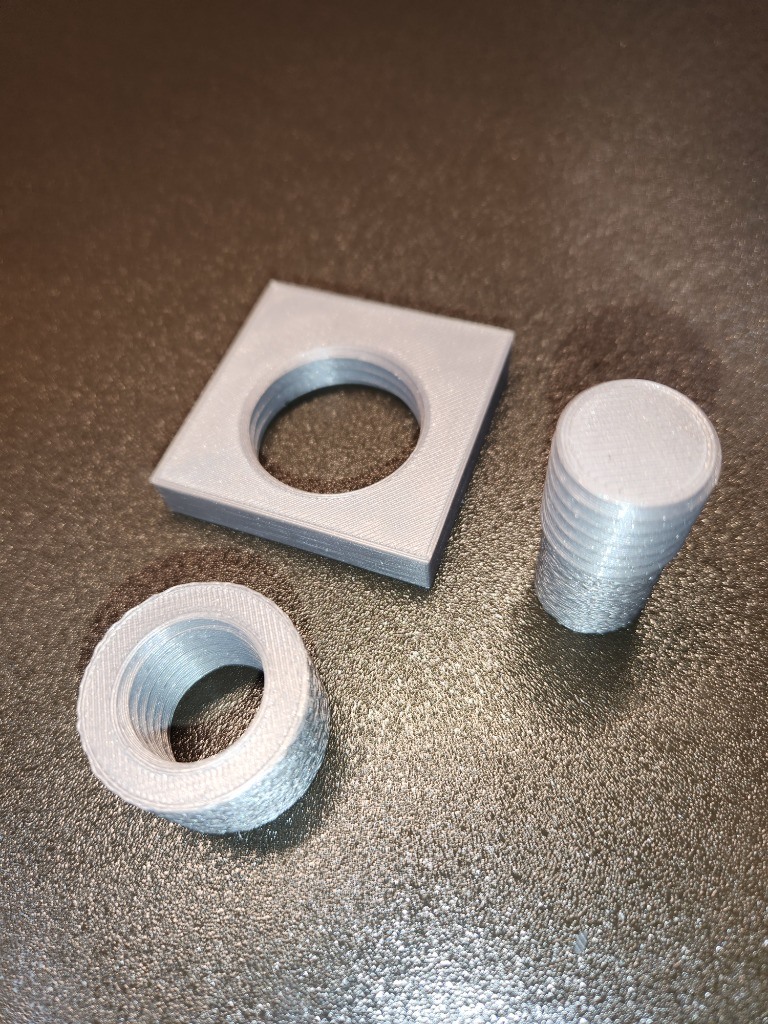
Cut a 3D-printable thread into a shaft or hole. Select its round face in the design, then Run. Hover a field for what it does. The thread is an editable feature in the timeline; one Ctrl+Z takes the whole run back.

Menu: Add thread

The plugin works in SolidCraft on every system. Its separate Thread Generator window (bolts, nuts, repaired 3MF) is Windows only.

✓ Loads in SolidCraft 0.51.2

A

Export & workflow

An MakeOrbit CNC Studio senden v0.2.0

645DF

Konstruktion als STEP an MakeOrbit CNC Studio übergeben (Übernahme dort mit Nachfrage) · Send the design as STEP to MakeOrbit CNC Studio

Menu: an-cnc-studio

Needs the MakeOrbit CNC Studio app, for now on macOS only (Windows is to follow).

✓ Loads in SolidCraft 0.51.2

Asks for: files, extra SolidCraft commands

A

Export & workflow

An MakeOrbit senden v0.2.0

645DF

Konstruktion als STEP/STL/3MF mit Quellstand an MakeOrbit übergeben (Archivierung dort mit Nachfrage) · Send STEP/STL/3MF with the design to MakeOrbit

Menu: an-makeorbit

Needs the MakeOrbit app, for now on macOS only (Windows is to follow).

✓ Loads in SolidCraft 0.51.2

Asks for: files, extra SolidCraft commands

C

Woodworking

Cabinet Studio v0.12.0

brendan779

Cabinets, benchtops and cut lists in SolidCraft, from Cabinet Studio. Early test build.

Menu: Job setup · Cabinets panel · Rebuild all · Select cabinet · Open in its dialog · Open a Cabinet Studio job · Add cabinet · Edit cabinet · Boards · Bench top and panels · Cut list

✓ Loads in SolidCraft 0.51.2

Asks for: files
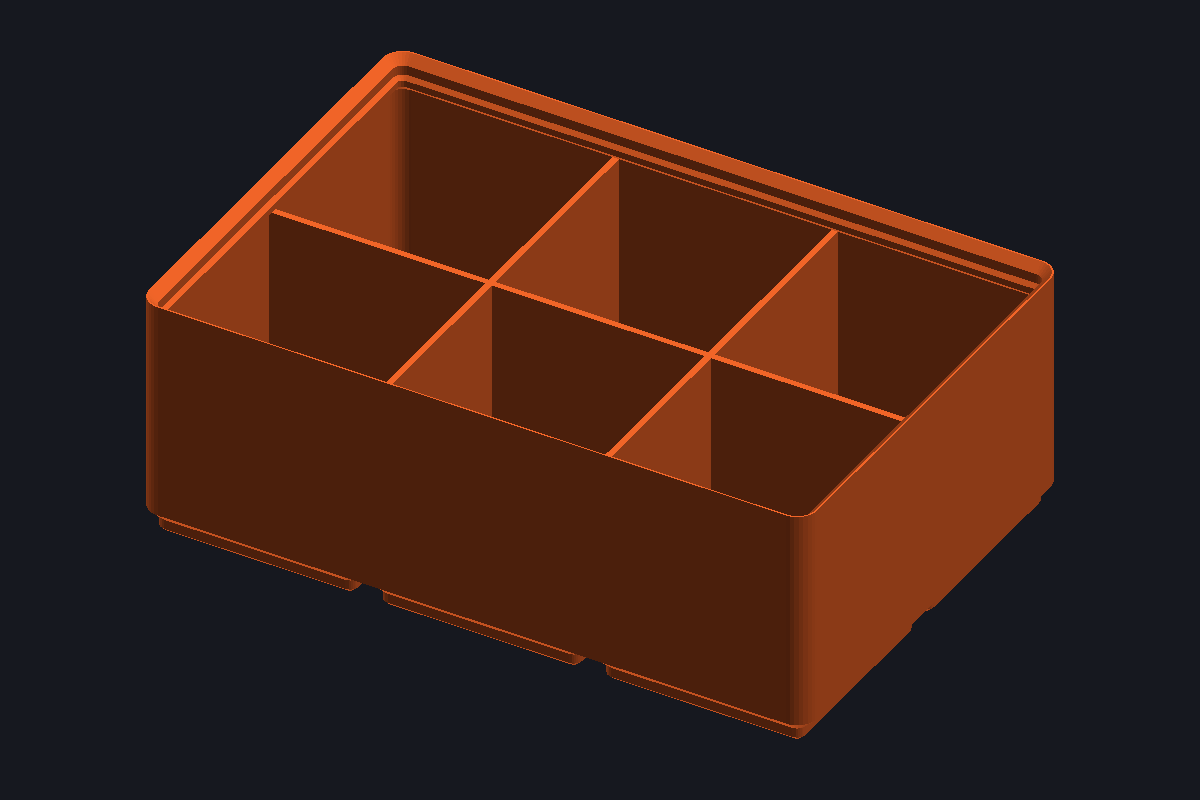
Gear Kit: SolidCraft pluginG

Gears & motion

Gear Kit v1.0.0

rob089

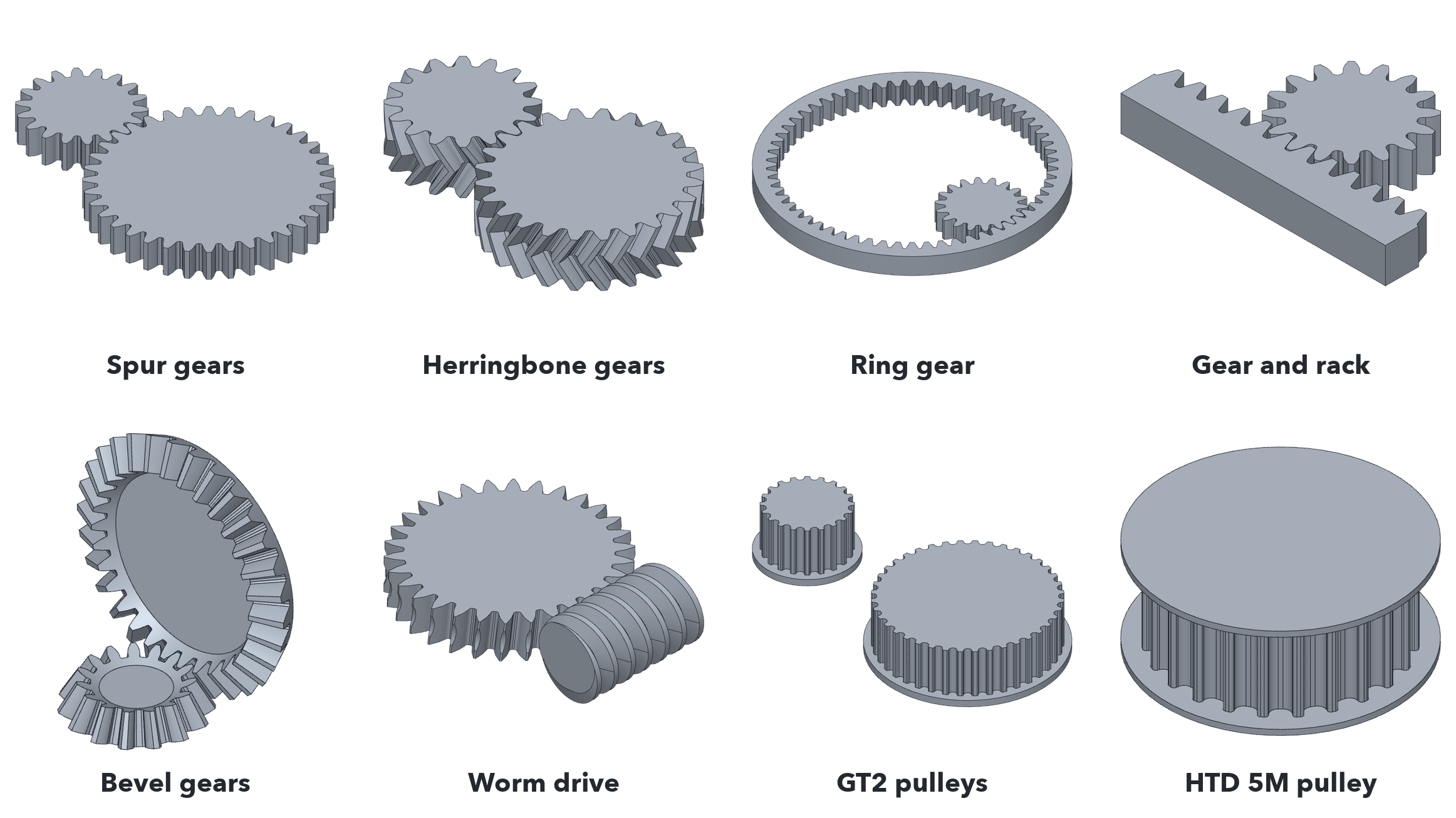
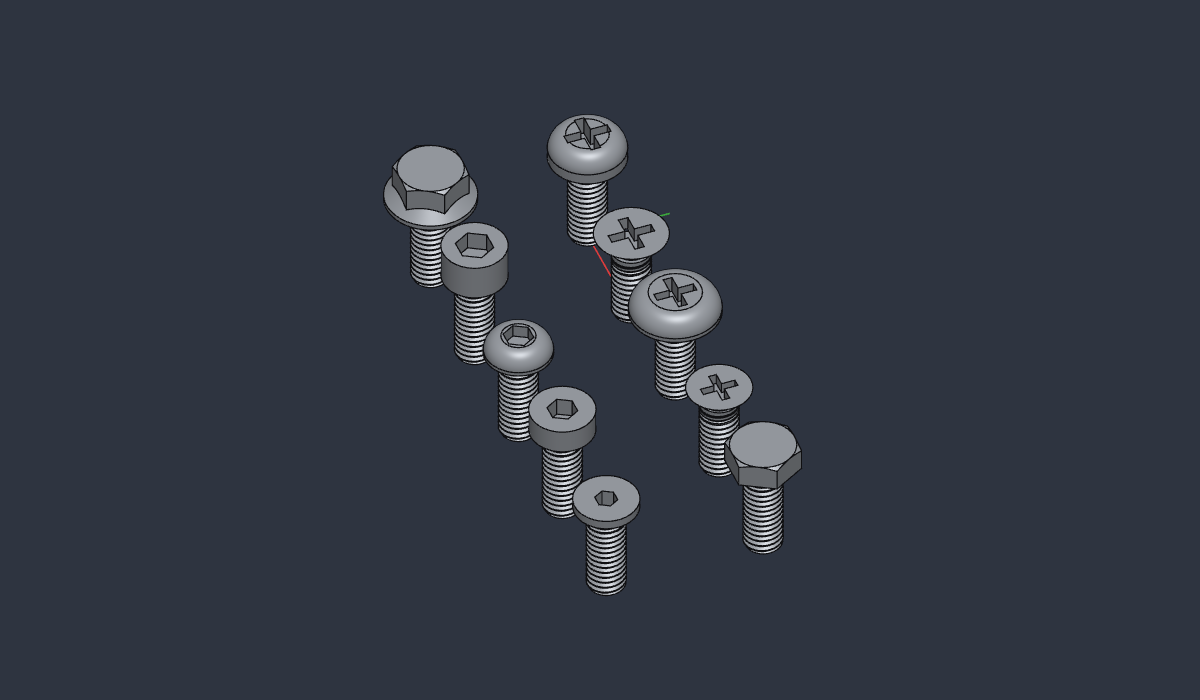
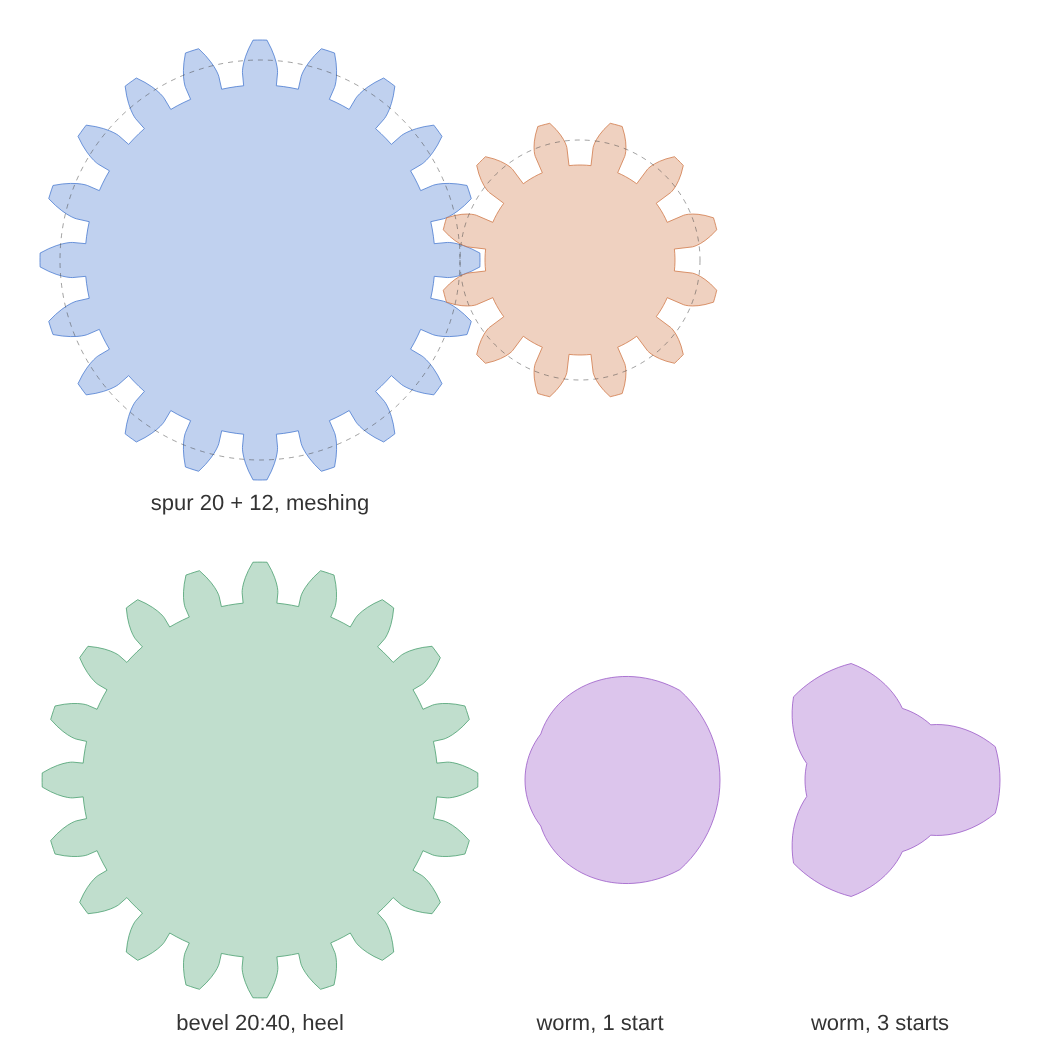
Gears and timing belt pulleys for SolidCraft: spur, helical, herringbone, ring gear, rack, bevel and worm drives, and GT2, HTD, T, MXL and XL pulleys

Menu: Spur / Helical Gears · Bevel Gears · Worm Gears · Timing Pulleys · Edit Gears

3d-printingcadgearstiming-pulley

✓ Loads in SolidCraft 0.51.2

OmiGears: SolidCraft pluginO

Gears & motion

OmiGears v0.50.3

omigamedev

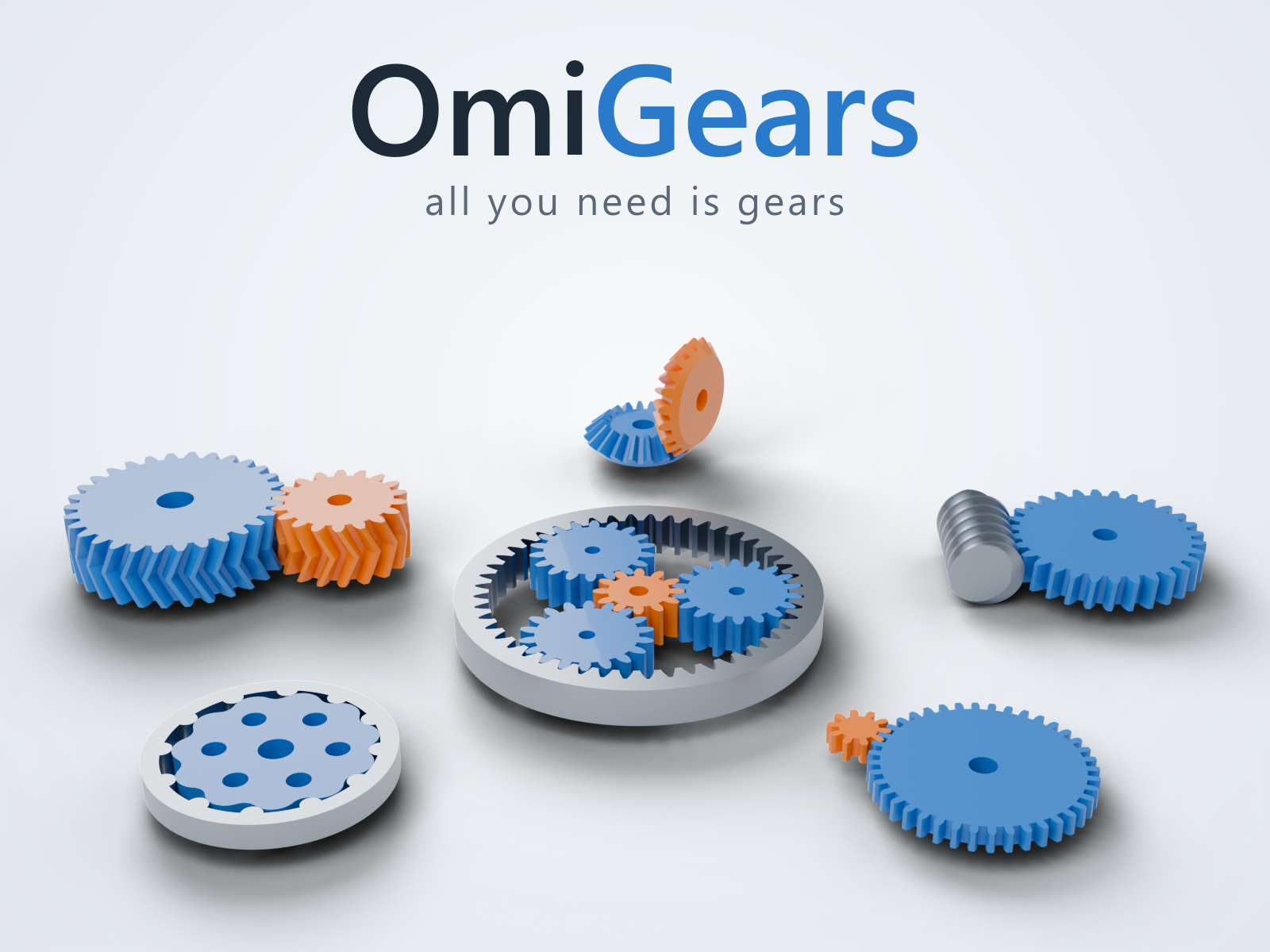
Involute, bevel, hypoid, worm, rack, internal, planetary and cycloidal gears with profile shift, root fillets, tip relief and crowning.

Menu: Spur gear · Helical gear · Herringbone gear · Bevel gear · Worm · Worm wheel · Rack and pinion · Hypoid gear · Internal gear · Planetary gear set · Cycloidal gear · Cycloidal drive · Edit gear

✓ Loads in SolidCraft 0.51.2

TubeCraft: SolidCraft pluginT

Other

TubeCraft v0.4.0

JPDoesDev

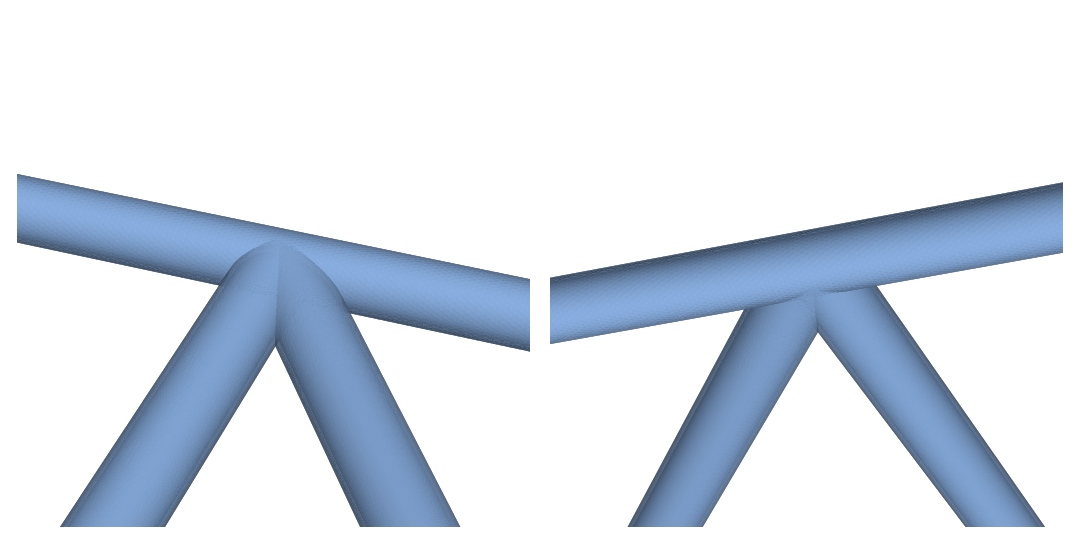
Turns sketch lines and arcs into bent, coped and mitred round tube, for roll cages and tube frames. Each run makes one tube in its own size and copes it to the tubes already in the design, flush or square to the wall as a tube laser cuts.
Menu: Weldments

cadfabricationroll-cagetube-frameweldments

✓ Loads in SolidCraft 0.51.2

Gears: SolidCraft pluginG

Gears & motion

Gears v0.10.0

bbonsen

Involute, bevel, hypoid, worm, rack, internal, planetary and cycloidal gears with profile shift, root fillets, tip relief and crowning.

Menu: Spur gear · Helical gear · Herringbone gear · Bevel gear · Worm · Worm wheel · Rack and pinion · Hypoid gear · Internal gear · Planetary gear set · Cycloidal gear · Cycloidal drive

TopOpt: SolidCraft pluginT

3D printing

TopOpt v0.11.0

0ndrec

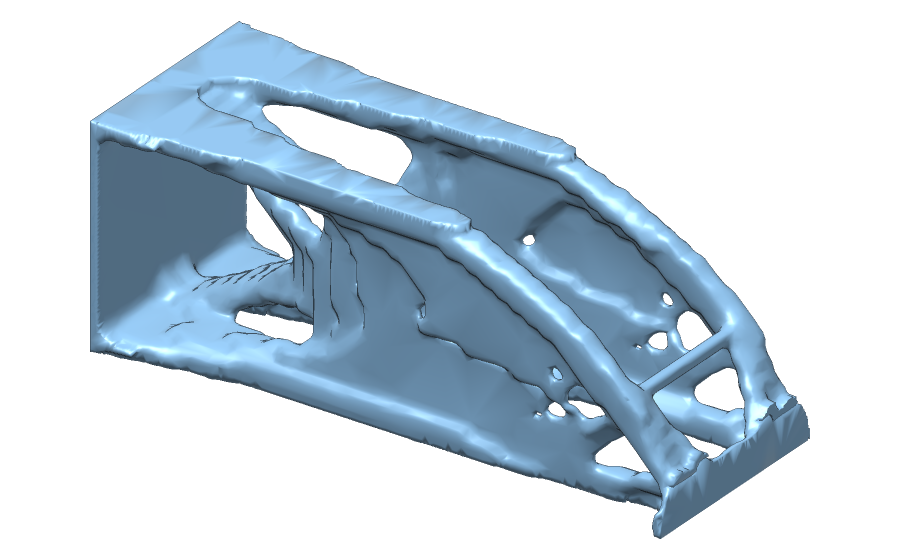
Topology optimization: pick a design body, supports and loads; get a lightweight, stiff part as a mesh or solid.

Menu: Design body · Add support · Add load · Keep surface · Optimize · Create body · Re-mesh · Delete item · Clear supports and loads · Refresh TopOpt panel · TopOpt panel

cadfinite-element-methodtopology-optimization

Asks for: files, extra SolidCraft commands

G

Gears & motion

GM Gear Suite v0.8.2

GaryMoFS

Parametric gears, trains, planetary, rack, bevel, worm, cycloidal, knurl & Geneva.

Menu: GM Cylindrical Gear... · GM Parallel Gear Pair... · GM Multi-Stage Gear Train... · GM Planetary Gear Set... · GM Rack & Pinion... · GM Cycloidal Drive... · GM Bevel Gear Pair... · GM Worm Drive... · GM Knurl Maker... · GM Geneva Mechanism...

S

Other

SolidCraft Trivariate v0.5.0

jeffwitz

Builds and displays audited SolidCraft Trivariate sketch, recipe and preview geometry using SolidCraft native features.

Menu: extrude-active-sketch · extrude-active-timeline · build-recipe · insert-result · snapshot-timeline · show-sketch-stage · hide-sketch-stage · drill · boolean · chamfer · fillet · extrude · fieldcraft-iga-solve-display · fieldcraft-iga-status

Part of the bigger SolidCraftTrivariate project: see its README for what else it needs.

Asks for: files, extra SolidCraft commands

Install a plugin

  1. Click Download .zip on a plugin (or take the zip from its latest release on GitHub).
  2. In SolidCraft: Plugins › Install plugin… and pick the zip.
  3. Run it from the Plugins menu, or its button in the ribbon (SolidCraft 0.42 and later).

On macOS, SolidCraft 0.41 and 0.42 crash when any plugin runs (SolidCraft issue #16698). That is a SolidCraft bug, not the plugins'.

✓ Runs in SolidCraft … on a card: every night the newest SolidCraft (on Linux) loads the plugin's latest release and runs each of its commands with their default values. ✓ Loads: SolidCraft loaded it, but its commands need something picked first, so they weren't run. Plugins run in SolidCraft's sandbox, but no test can promise a plugin is safe: install plugins you trust, and use Report a problem on a card if one misbehaves.

What are SolidCraft plugins?

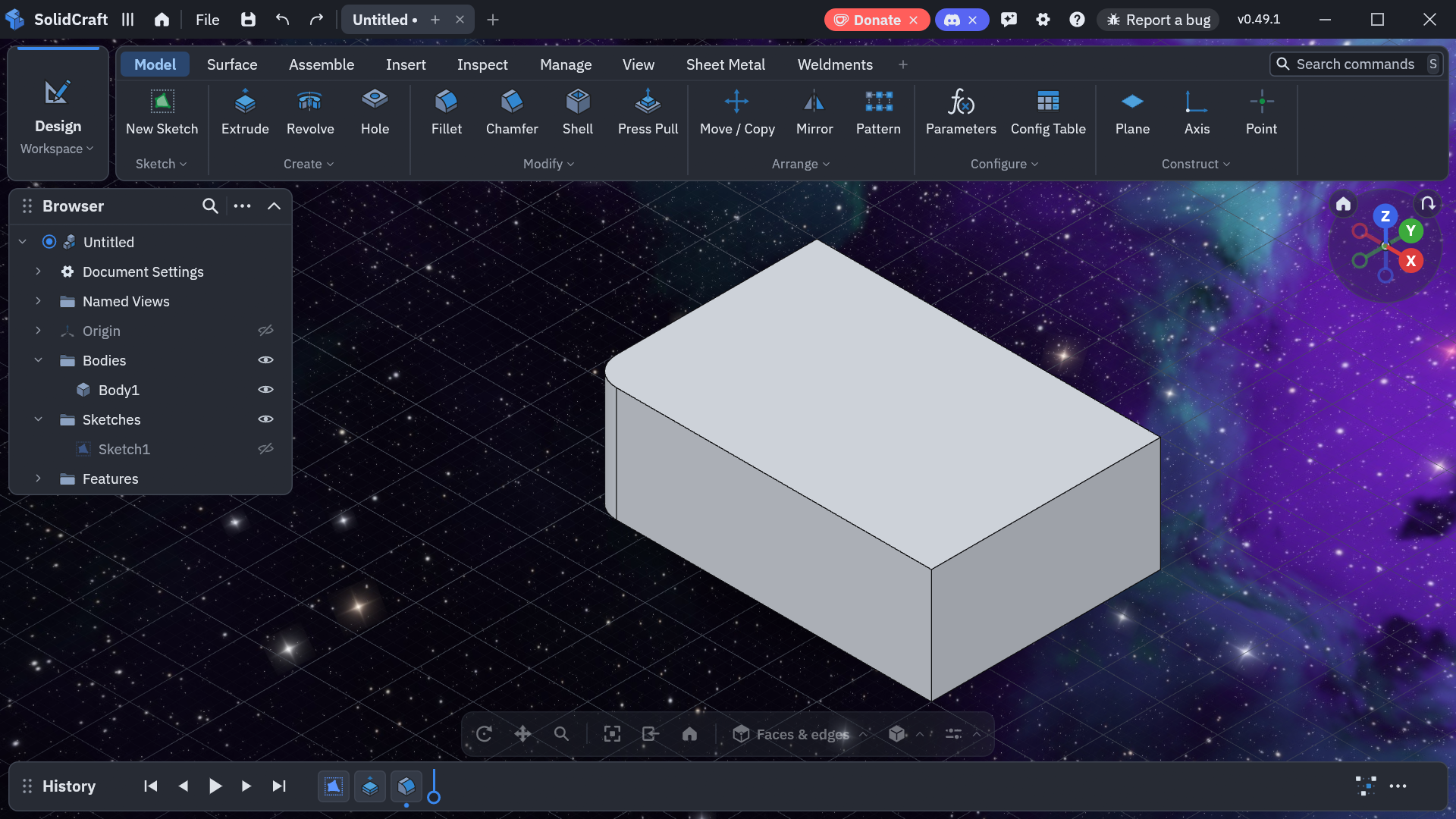
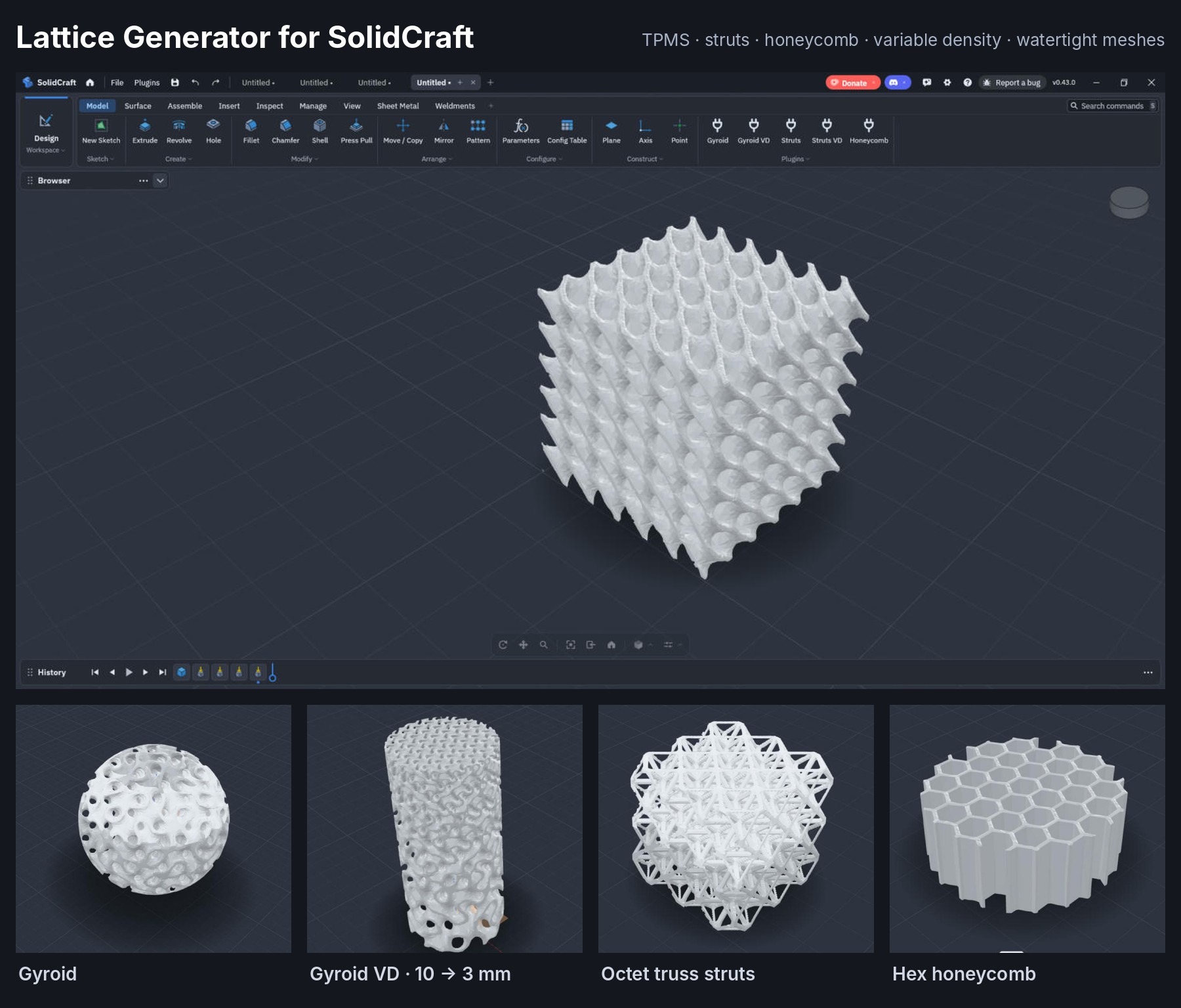
SolidCraft is a free, open-source parametric 3D CAD app for Windows, macOS, Linux and the web. It runs plugins: small WebAssembly programs that add a command to the Plugins menu and build parts from a form, such as a Gridfinity bin, an openGrid board, a spur gear or a threaded hole. What a plugin makes is ordinary SolidCraft sketches and features, so you can edit the result like anything you drew yourself.

SolidCraft asks before it installs a plugin and shows what it may do. Plugins run in a sandbox with time and memory limits, and anything extra they need, such as file access, is listed in their manifest.

Add your plugin

The list updates itself every day from GitHub. To get your plugin on it:

  1. Put it in a public GitHub repository with its plugin.json manifest.
  2. Add the topic solidcraft-plugin to the repository (the ⚙ next to About).
  3. Publish a release with the plugin zip attached, so people get a Download .zip button.

The first picture in your README becomes the card's picture. Name, description and menu entries come from your manifest.

“Loads in” and “Runs in”

Every day, each plugin's newest release zip is tried in the newest SolidCraft release, on Linux, with SolidCraft's command-line app and nothing installed or set up:

A command that needs something picked first (a face, a body), or a plugin that asks for file access or other permissions, can't run on its own there, so it shows Loads in. That is no sign of a fault. To get Runs in, give every field a default that works in an empty design. A plugin is tried again when it has a new release or SolidCraft has a new version; nothing is shown when a test fails.