SolidCraft Plugins › Honeycomb & Hexagon Generator
Honeycomb & Hexagon Generator v0.1.0
Fill up to 250 cells across selected sketch regions. End the active tool with Esc and Shift-click regions before opening Honeycomb.
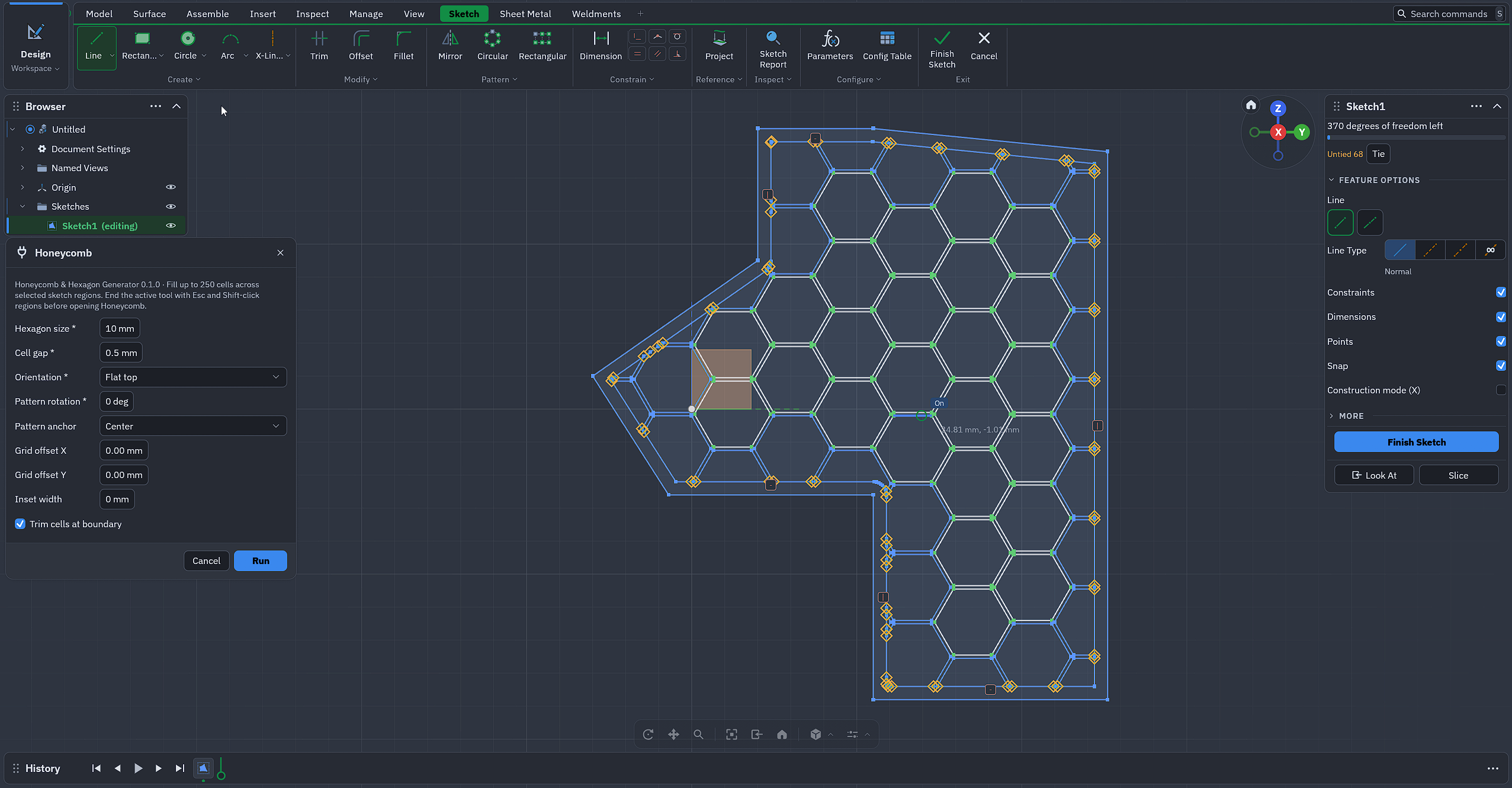
What it adds to SolidCraft
- Honeycomb
Install Honeycomb & Hexagon Generator
- Download the zip above (from release v0.1.0).
- In SolidCraft: Plugins › Install plugin… and pick the zip.
- Run it from the Plugins menu, or its button in the ribbon (SolidCraft 0.42 and later).
Questions and bug reports go to the plugin's author, in the issues on GitHub.
More SolidCraft plugins
- Isometric Manufacture Sheet Projects every body of the open design to a true isometric, removes hidden lines with a…
- Mesh Solidify Rebuild a broken mesh body (holes, open shells, overlaps) as one watertight, printable…
- openGrid openGrid wall and desk boards on the 28 mm grid, Full or Lite, with screw holes and cut…
- Thread Generator Cut a 3D-printable thread into a shaft or hole. Select its round face in the design,…
- Wood joinery Woodworking joints between boards: mortise and tenon, grooves, half laps, dowels, box…
- Генератор шестерён Создаёт эвольвентную цилиндрическую шестерню в начале координат: обычный эскиз и…