SolidCraft plugins, in one place
Community plugins for the SolidCraft CAD app. Each one makes ordinary, editable SolidCraft features. Download the zip and install it from Plugins › Install plugin…
17 plugins

 G

 G
Gridfinity v1.0.0
 tharje
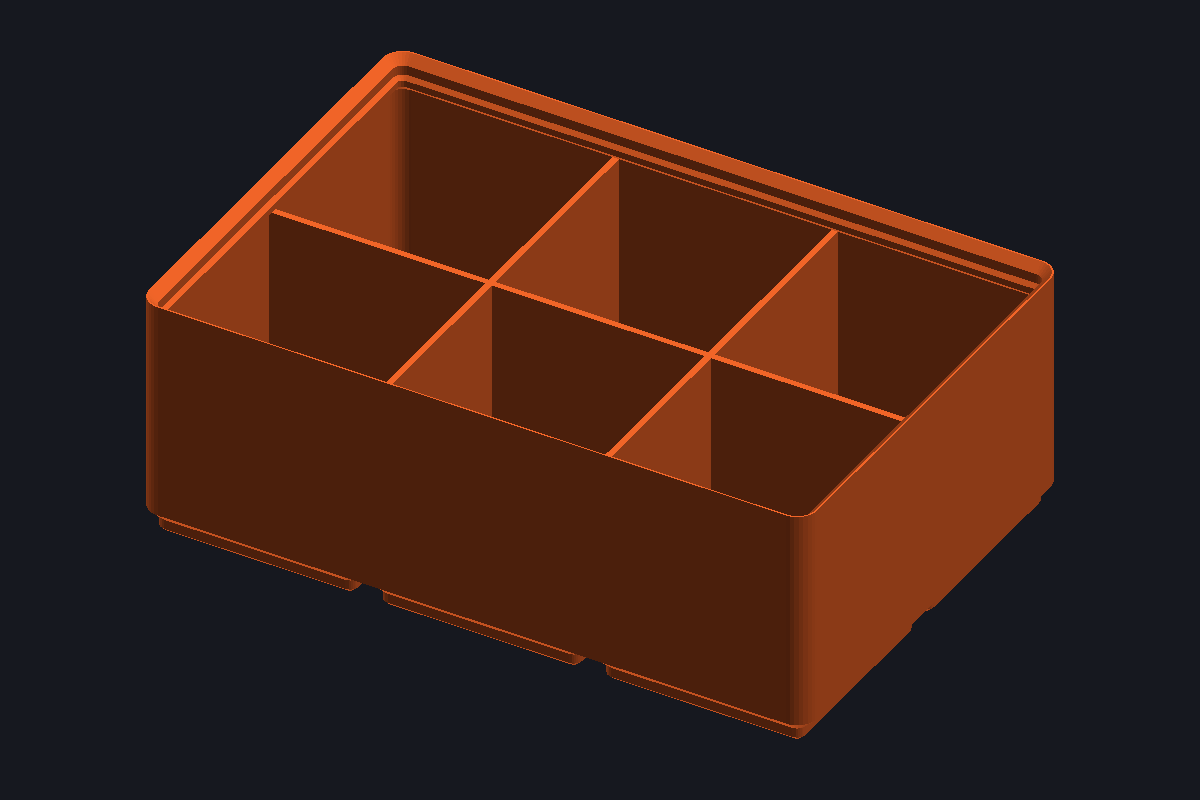
Gridfinity bins (hollow or solid for custom cutouts), baseplates and drawer baseplates split to fit your printer, on a full, half or custom grid.
Menu: Gridfinity bin · Gridfinity baseplate · Gridfinity drawer baseplate
3d-printingbaseplatebinscadgridfinity
 W

 S
SolidInserts v1.1.0
 NoOneExceptEnderk
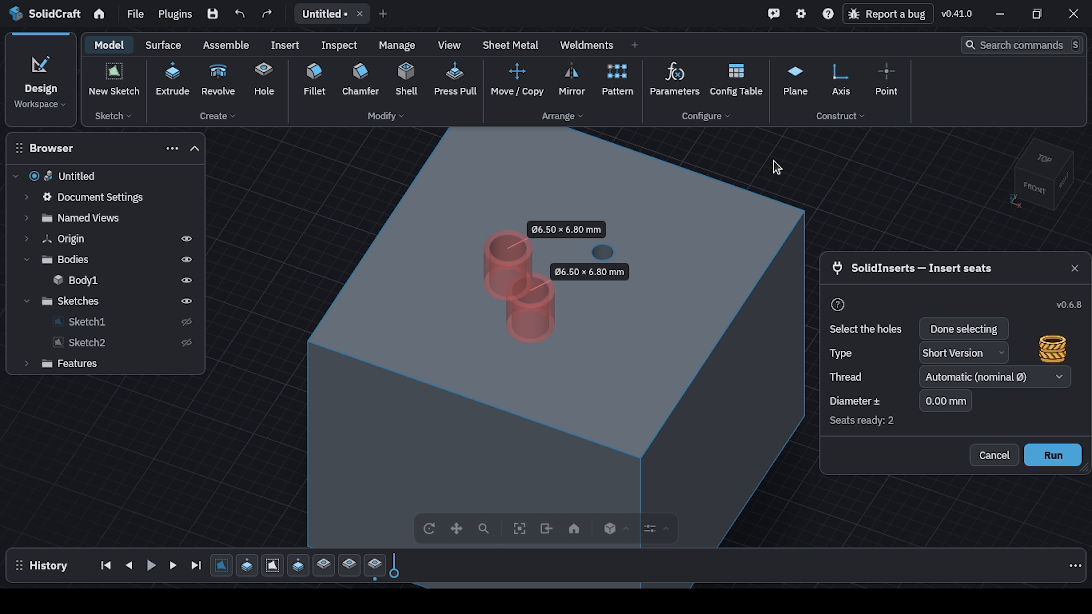
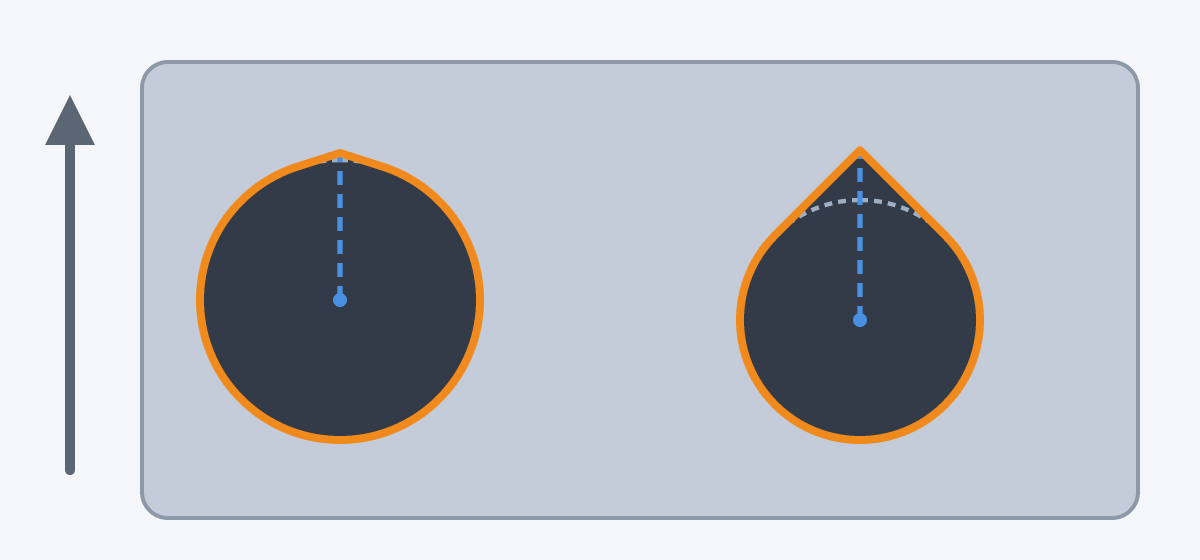
Create seats for heat-set threaded inserts at the circular rims of existing holes.
Menu: Insert Seats
3d-printingcadheat-set-insertsmechanical-designparametric
 3
3D Printing Holes v0.1.0
 SB97
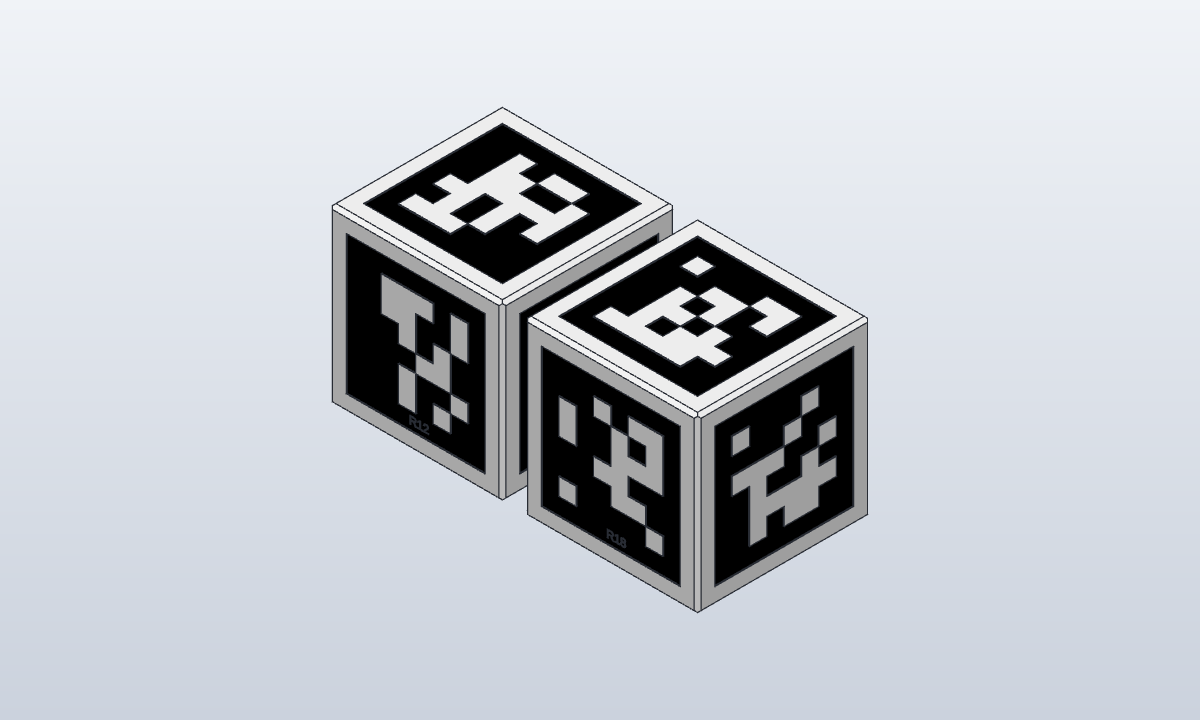
Holes made for 3D printing. Teardrop: select sketch circles, then run it; each gets a small tip a few percent of the radius above it (it follows the radius), so the top of a horizontal hole does not sag.
Menu: Teardrop
3d-printing
 A

 F
Filament Swatch v0.1.0
tharje
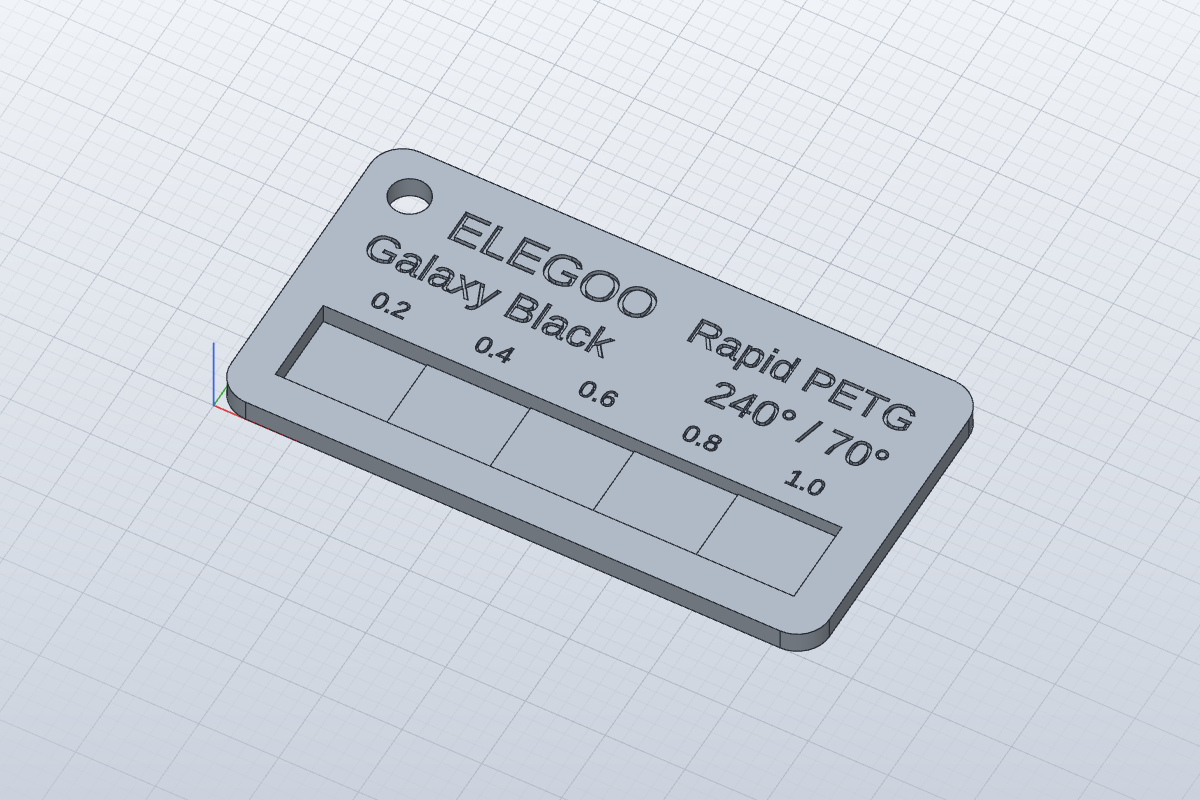
Filament sample tiles: brand, material, colour and temperatures in text, and thin steps that show how see-through the filament is.
Menu: Filament swatch
3d-printingcadfilamentfilament-swatchmaker
Gridfinity v0.1.0
 haashimrehan
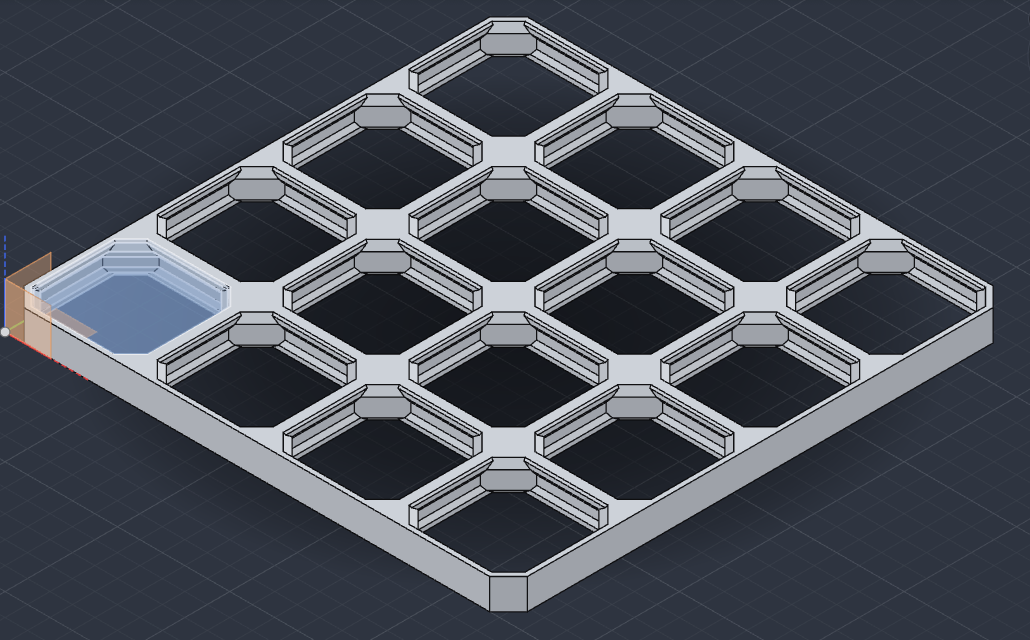
Gridfinity bins and baseplates from a grid size: feet, stacking lip, magnet holes, dividers, scoop and label tab, as editable sketches and extrudes.
Menu: Bin · Baseplate
3d-printingcadgridfinity
 G
Gridfinity Builder v0.1.0
 Xusr404
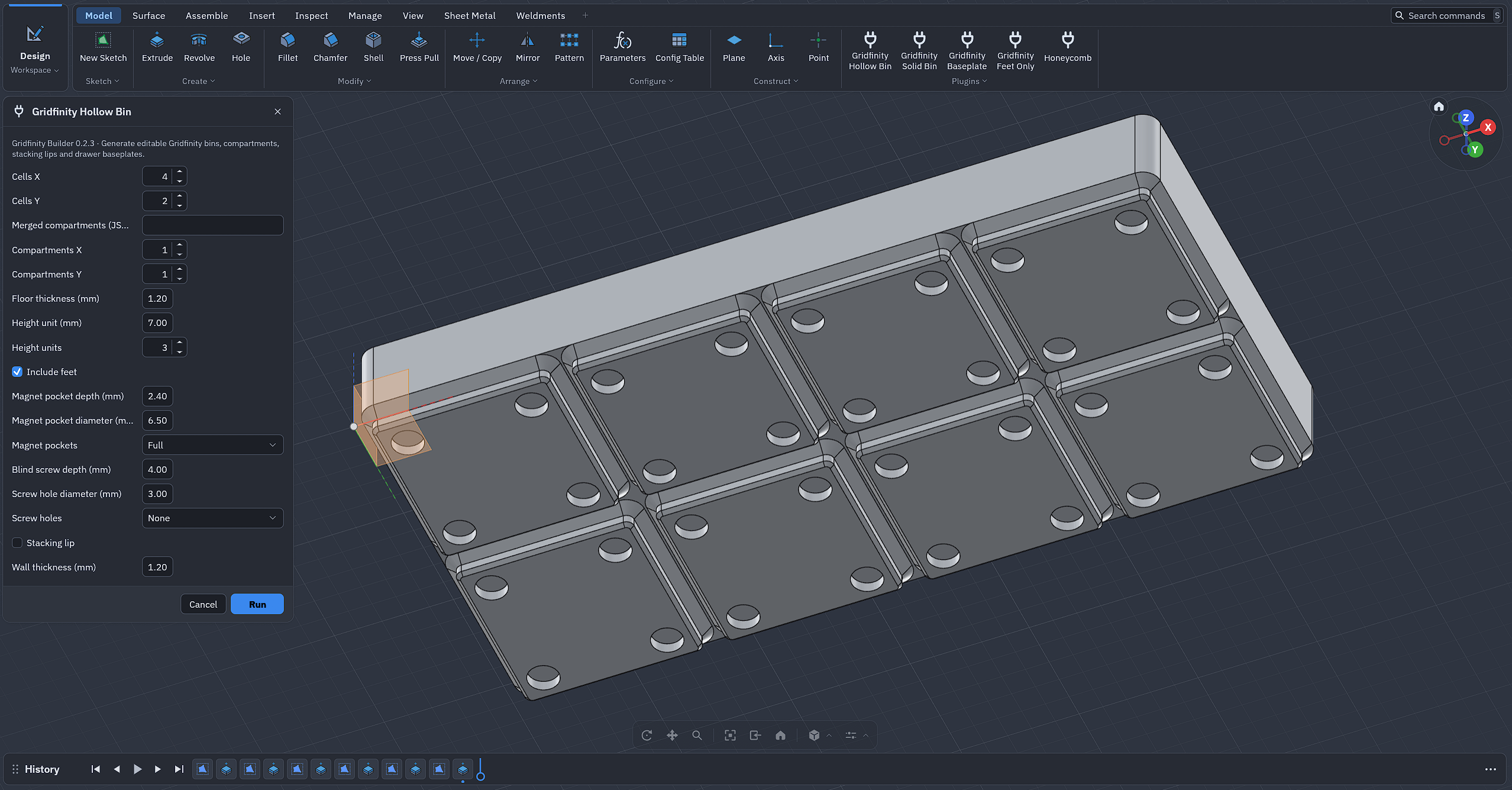
Generate editable Gridfinity bins, compartments, stacking lips and drawer baseplates.
Menu: Gridfinity Hollow Bin · Gridfinity Solid Bin · Gridfinity Baseplate · Gridfinity Feet Only
 H
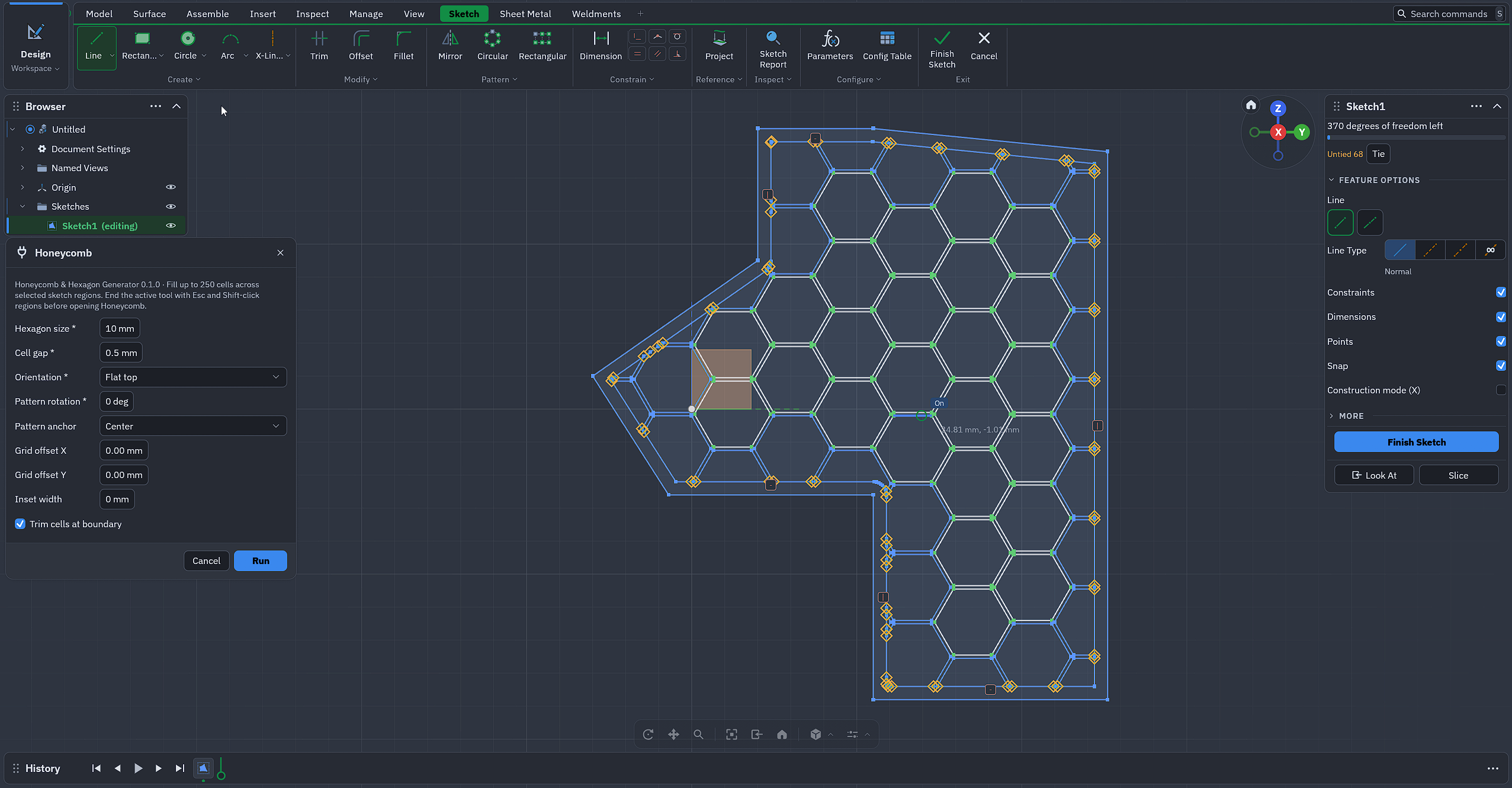
Honeycomb & Hexagon Generator v0.1.0
Xusr404
Fill up to 250 cells across selected sketch regions. End the active tool with Esc and Shift-click regions before opening Honeycomb.
Menu: Honeycomb
 I
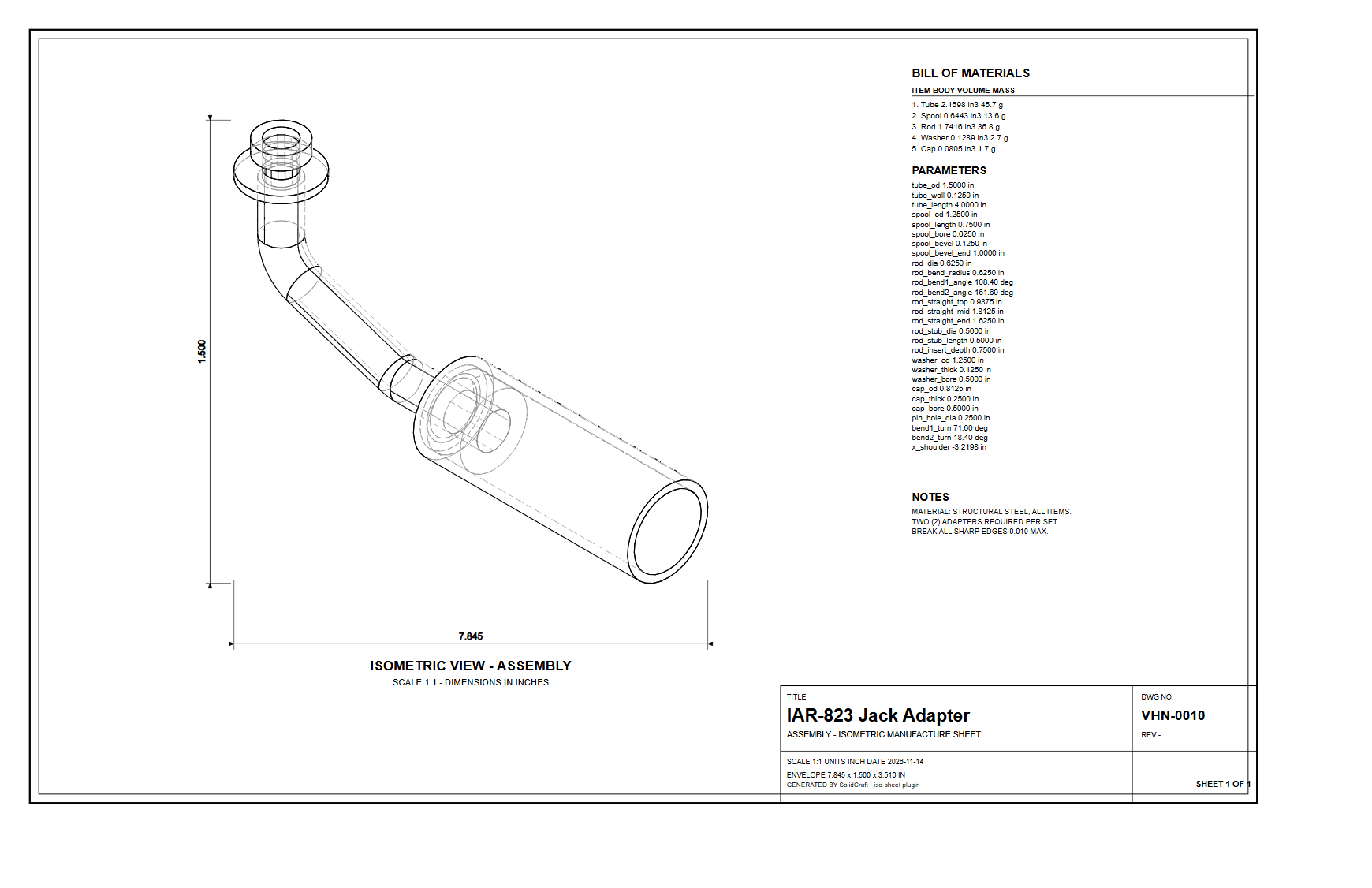
Isometric Manufacture Sheet v1.1.0
 jcar01
Projects every body of the open design to a true isometric, removes hidden lines with a depth buffer, and writes a dimensioned ANSI B manufacture sheet as SVG: title block, bill of materials, parameter table, notes and overall dimensions.
Menu: Isometric Sheet
 M
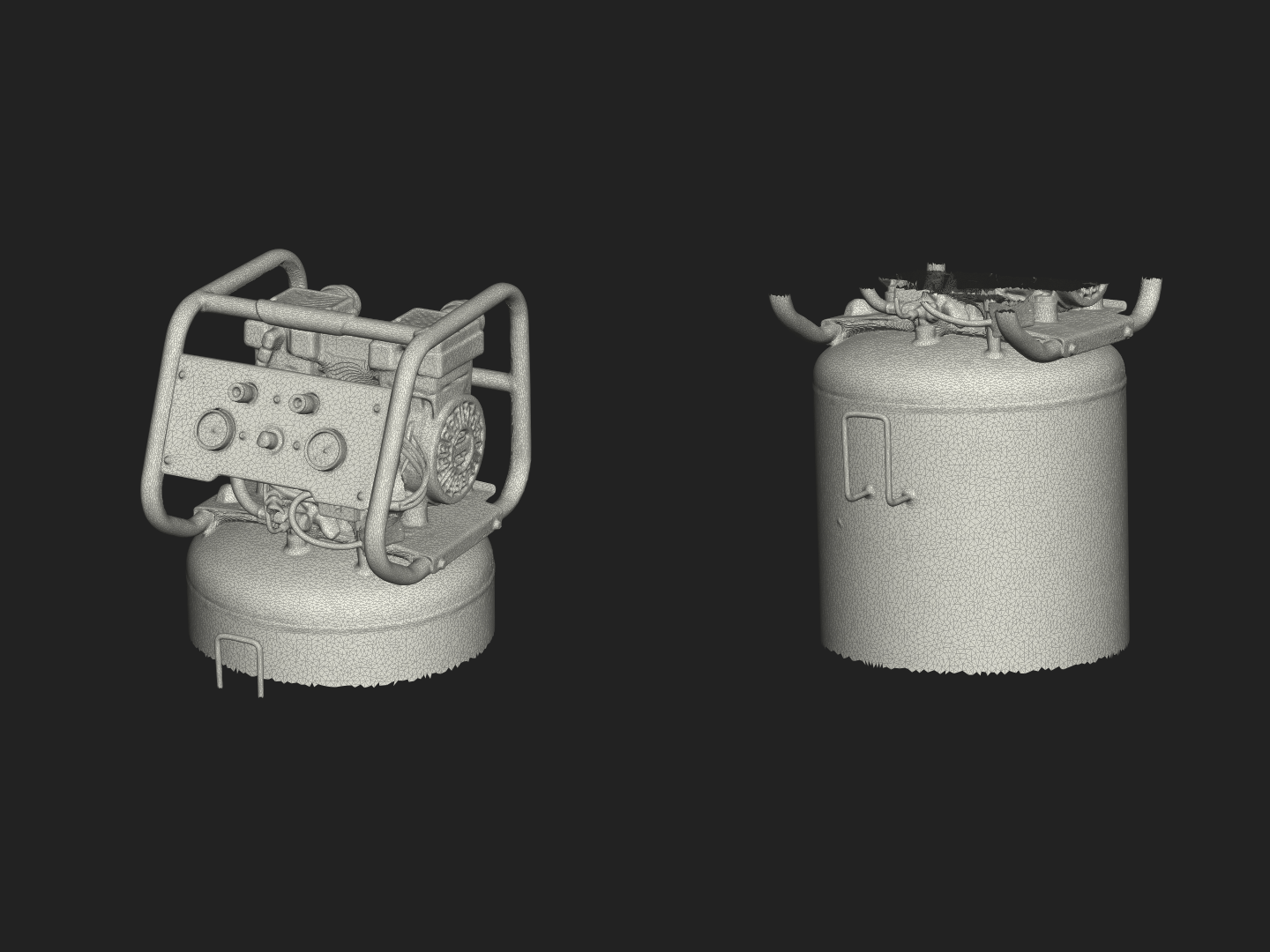
Mesh Solidify v0.2.0
 JakeMathews
Rebuild a broken mesh body (holes, open shells, overlaps) as one watertight, printable solid. Adds the result as a new body.
Menu: Solidify Mesh… · Inspect Mesh…
3d-printingmesh-repairstlwatertightwinding-number
 O
 T
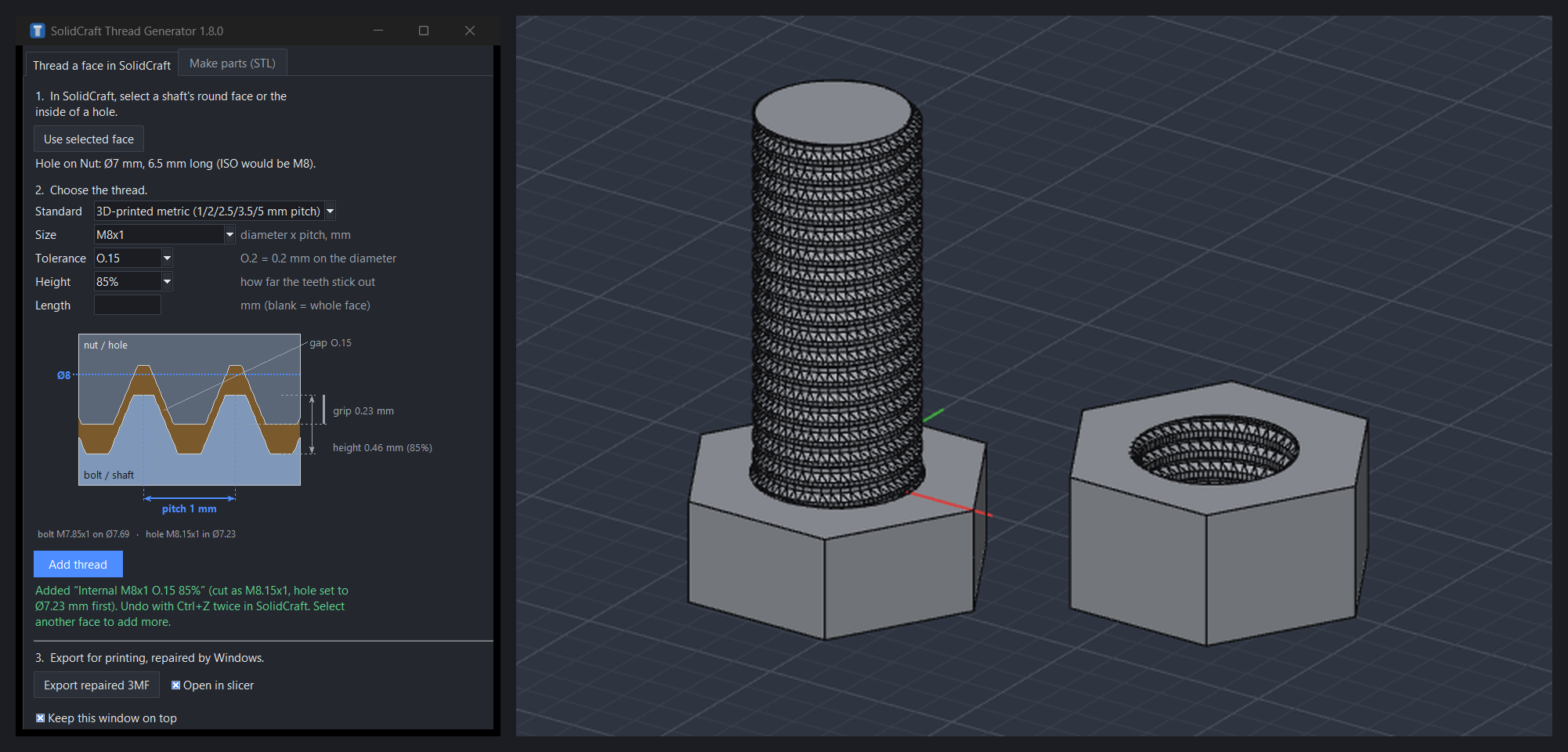
Thread Generator v2.0.6
 Stigern
Cut a 3D-printable thread into a shaft or hole. Select its round face in the design, then Run. Hover a field for what it does. The thread is an editable feature in the timeline; one Ctrl+Z takes the whole run back.
Menu: Add thread
 W
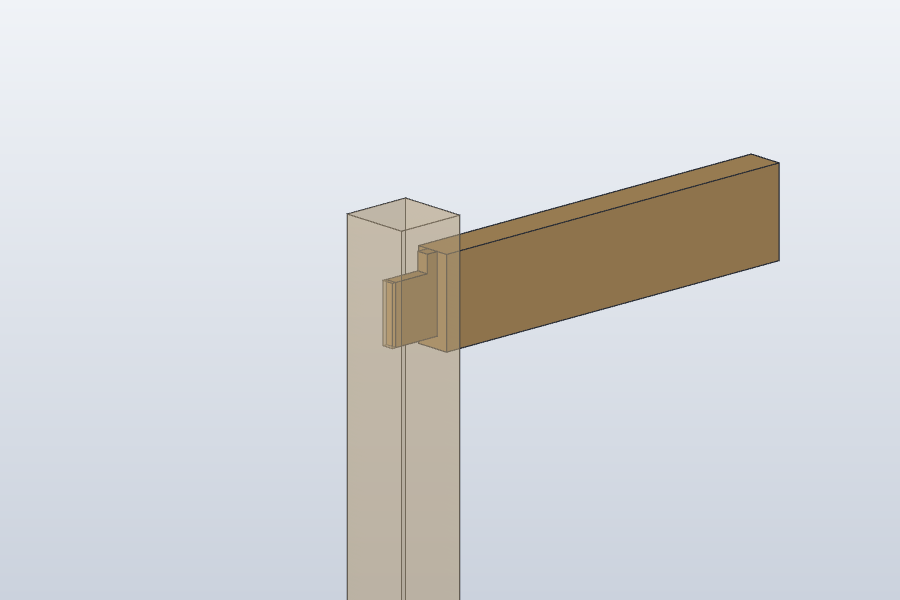
Wood joinery v0.5.0
 WilliamHJKL
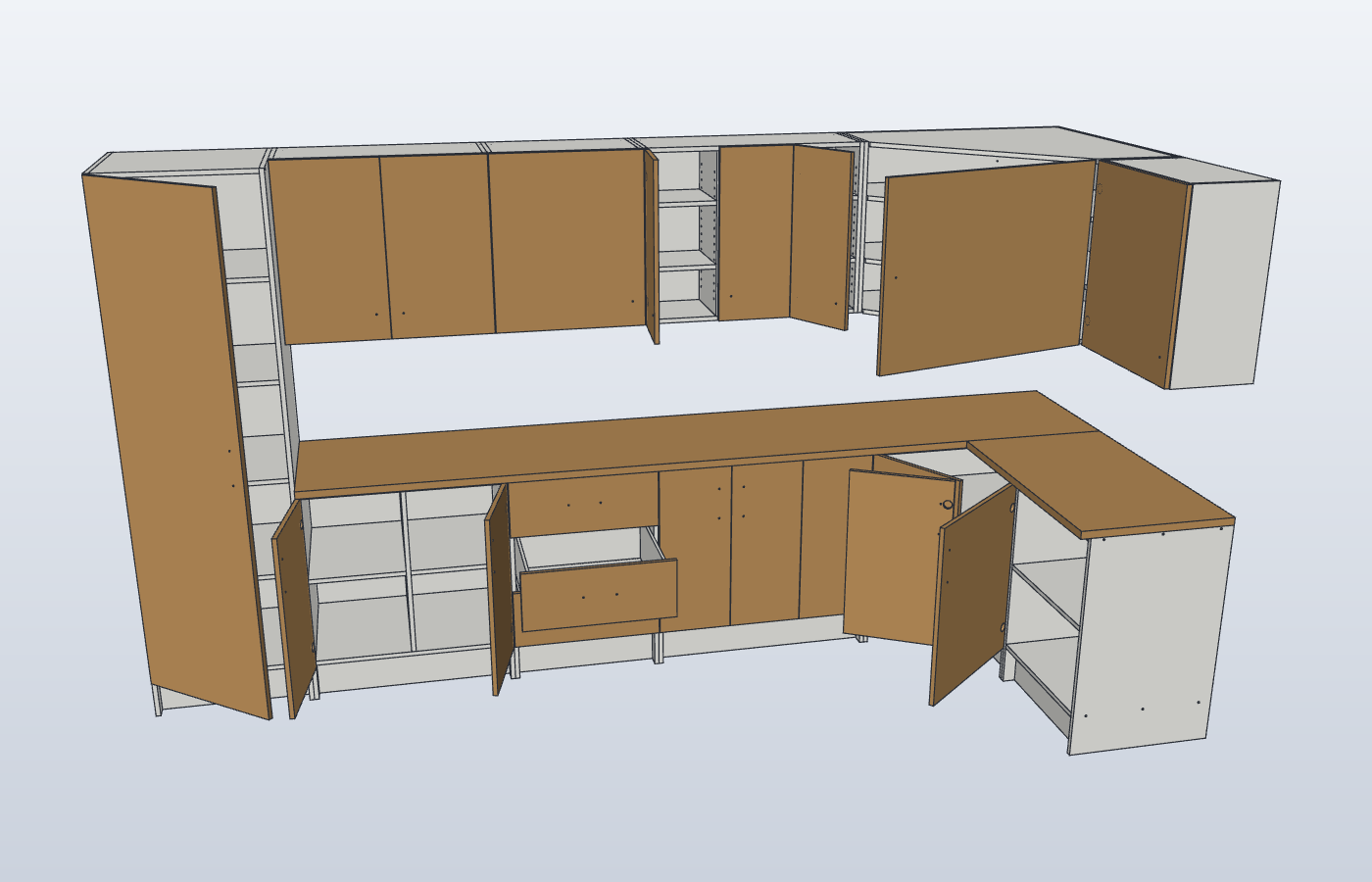
Woodworking joints between boards: mortise and tenon, grooves, half laps, dowels, box joints, loose tenons, housings and miters.
Menu: Mortise and tenon · Groove · Half lap · Dowels · Box joint · Loose tenon · Housing · Miter
 Г
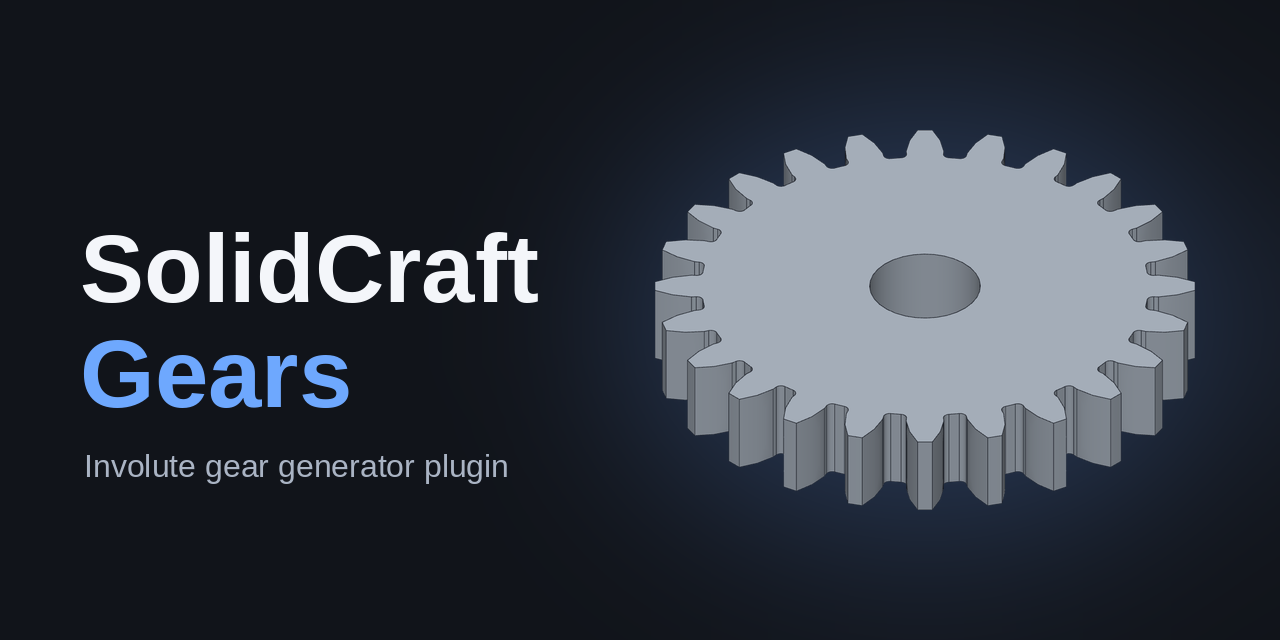
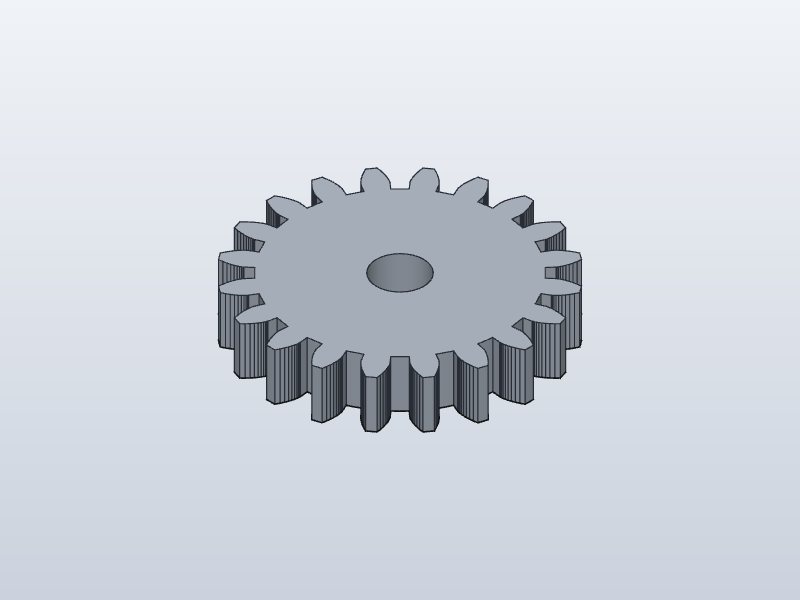
Генератор шестерён v0.4.0
 pro-d-e-v
Создаёт эвольвентную цилиндрическую шестерню в начале координат: обычный эскиз и выдавливание, дизайн открывается без плагина.
Menu: Создать шестерню…
Install a plugin
- Click Download .zip on a plugin (or take the zip from its latest release on GitHub).
- In SolidCraft: Plugins › Install plugin… and pick the zip.
- Run it from the Plugins menu, or its button in the ribbon (SolidCraft 0.42 and later).
On macOS, SolidCraft 0.41 and 0.42 crash when any plugin runs (SolidCraft issue #16698). That is a SolidCraft bug, not the plugins'.
What are SolidCraft plugins?
SolidCraft is a free, open-source parametric 3D CAD app for Windows, macOS, Linux and the web. It runs plugins: small WebAssembly programs that add a command to the Plugins menu and build parts from a form, such as a Gridfinity bin, an openGrid board, a spur gear or a threaded hole. What a plugin makes is ordinary SolidCraft sketches and features, so you can edit the result like anything you drew yourself.
SolidCraft asks before it installs a plugin and shows what it may do. Plugins run in a sandbox with time and memory limits, and anything extra they need, such as file access, is listed in their manifest.
Add your plugin
The list updates itself every day from GitHub. To get your plugin on it:
- Put it in a public GitHub repository with its
plugin.jsonmanifest. - Add the topic
solidcraft-pluginto the repository (the ⚙ next to About). - Publish a release with the plugin zip attached, so people get a Download .zip button.
The first picture in your README becomes the card's picture. Name, description and menu entries come from your manifest.