SolidCraft Plugins › OmiGears
OmiGears v0.50.3
Involute, bevel, hypoid, worm, rack, internal, planetary and cycloidal gears with profile shift, root fillets, tip relief and crowning.
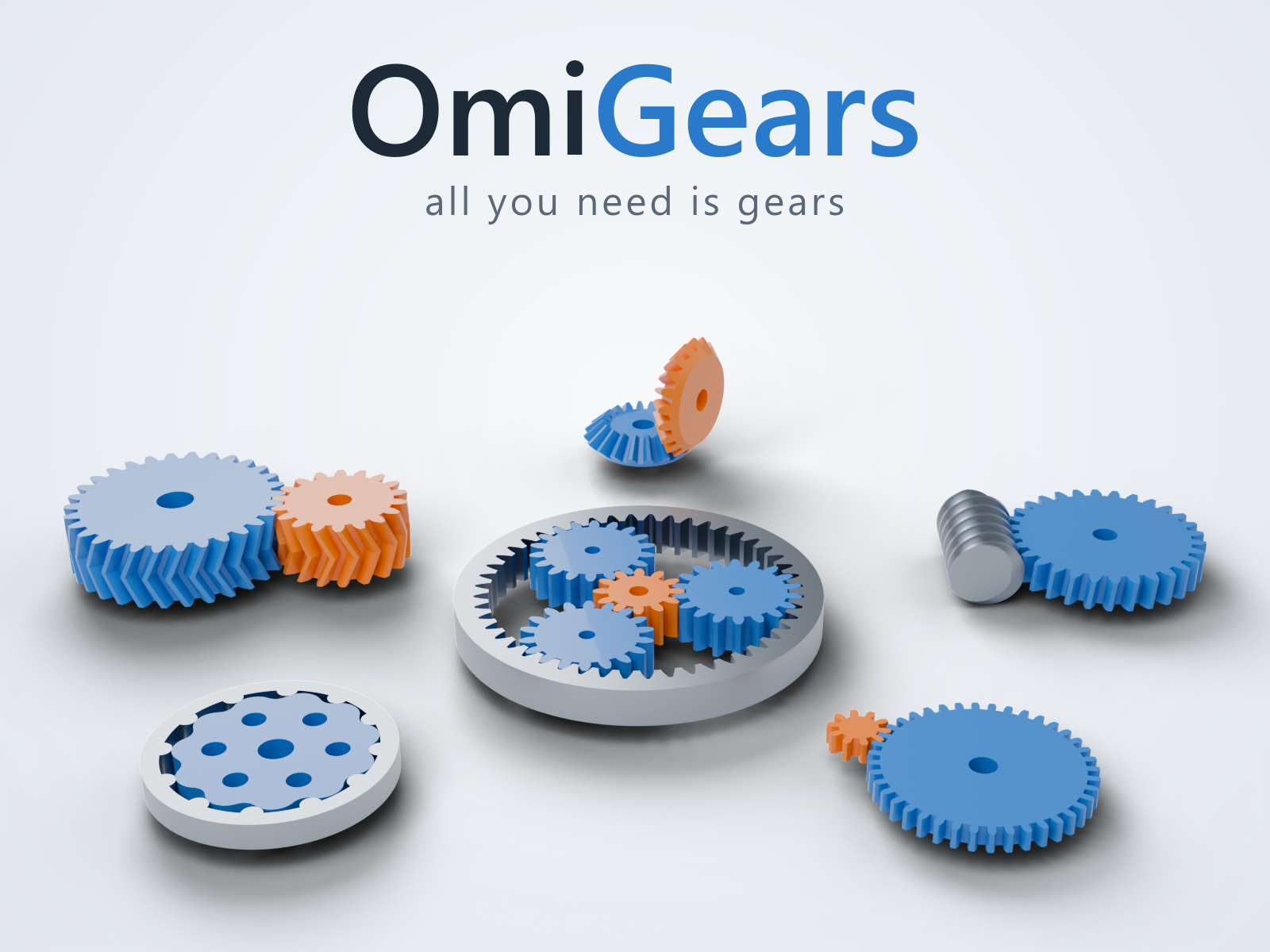
What it adds to SolidCraft
- Spur gear
- Helical gear
- Herringbone gear
- Bevel gear
- Worm
- Worm wheel
- Rack and pinion
- Hypoid gear
- Internal gear
- Planetary gear set
- Cycloidal gear
- Cycloidal drive
- Edit gear
Install OmiGears
- Download the zip above (from release v0.50.2).
- In SolidCraft: Plugins › Install plugin… and pick the zip.
- Run it from the Plugins menu, or its button in the ribbon (SolidCraft 0.42 and later).
It is on the SolidCraft Workshop too: its Open in SolidCraft button installs it, after SolidCraft shows what it asks for.
Questions and bug reports go to the plugin's author, in the issues on GitHub. If it crashes SolidCraft, harms a design or looks unsafe, please also report it to this list, so others can be warned.
What's new in v0.50.2 (2026-11-27)
OmiGears 0.50.2 makes gears editable: Edit gear reopens a gear's form, filled in with the inputs it was made with, and changes the gear where it is in the timeline. The commands now sit behind one Gears button, and each gear gets the number of points per flank it needs.
Install
- With OmiGears 0.50.1 installed, take the update SolidCraft offers on its card in Preferences › Plugins. Otherwise download omigears-0.50.2.zip below.
- In SolidCraft (desktop): Preferences › Plugins › Install plugin… and pick the zip. It asks for no permissions.
Requires SolidCraft 0.50.0 or later. SolidCraft 0.49.1 offers this update to OmiGears 0.50.1 too, but refuses the package when it installs: update SolidCraft first, or keep OmiGears 0.50.1.
New
- Edit gear. Pick a gear's body or one of its faces, and its form opens filled in with the inputs it was made with. Change them and Run:
- Most changes are made in place: teeth, module, angles, width, bore, points. Each sketch and feature changes where it is in the timeline, keeping its id. Features you added after the gear (a hole, a fillet, a join) are rebuilt on the changed gear.
- Changes that make other steps rebuild the gear where it was: crowning turned on or off, a pinion or mate added or left out, another number of worm starts, a bevel's or hypoid's bore. The reply lists any later feature that then fails, so you can pick its references again.
- A set made by one run (a planetary set, a rack and its pinion, a cycloidal pair, a cycloidal drive) changes together.
- The edit is one undo step, and names follow the new inputs ("Spur gear z24 m2").
Similar SolidCraft plugins
- Gears Involute spur gear generator: module, teeth, pressure angle, face width, bore and…
- Gear generator A SolidCraft plugin: parametric involute spur gear generator (wasm component per RFC 0002)
- First Gear Maker Generates involute gears: spur, helical, herringbone, internal, rack, bevel, worm and…
- Gear Kit Gears and timing belt pulleys for SolidCraft: spur, helical, herringbone, ring gear,…
- Planetary gear Solidcraft planetary-gear-0.1.2
- Zahnrad-Generator Evolventen-Zahnräder: Einzelräder und Getriebepaare: Stirnrad (gerade, schräg, Pfeil),…