SolidCraft Plugins › TopOpt
 TopOpt v0.11.0
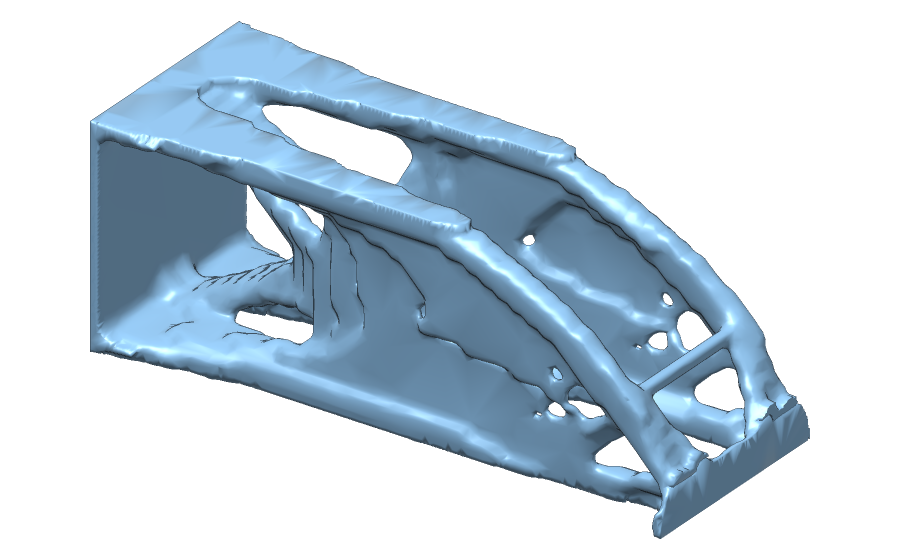
Topology optimization: pick a design body, supports and loads; get a lightweight, stiff part as a mesh or solid.
What it adds to SolidCraft
- Design body
- Add support
- Add load
- Keep surface
- Optimize
- Create body
- Re-mesh
- Delete item
- Clear supports and loads
- Refresh TopOpt panel
- TopOpt panel
Install TopOpt
- Build or download the plugin as described in its README on GitHub.
- In SolidCraft: Plugins › Install plugin… and pick the zip.
- Run it from the Plugins menu, or its button in the ribbon (SolidCraft 0.42 and later).
Questions and bug reports go to the plugin's author, in the issues on GitHub. If it crashes SolidCraft, harms a design or looks unsafe, please also report it to this list, so others can be warned.
Similar SolidCraft plugins
- Mould Maker Printed moulds sized to your printer. Round: bowls, planters. Box: flat-sided parts.…
- AprilCube Generate printable cuboids and voxel targets with AprilTag or ArUco markers, edge…
- Filament Swatch Filament sample tiles: brand, material, colour and temperatures in text, and thin steps…
- Mesh Solidify Rebuild a broken mesh body (holes, open shells, overlaps) as one watertight, printable…
- Edge Path & Sweep Create an open or closed 3D sketch path from selected edges and optionally sweep a…
- Helical Sketch Generator Generate cylindrical, conical, tapered, and variable-pitch 3D helical sketches with…