SolidCraft Plugins › Liquid Craft
Liquid Craft v3.0.5
Glass panels over the model with lens edges. Pick Liquid Craft or Liquid Craft Dark in Preferences > Appearance, then tick the panel backdrop here and tune it with the sliders. Untick it to turn the glass off.
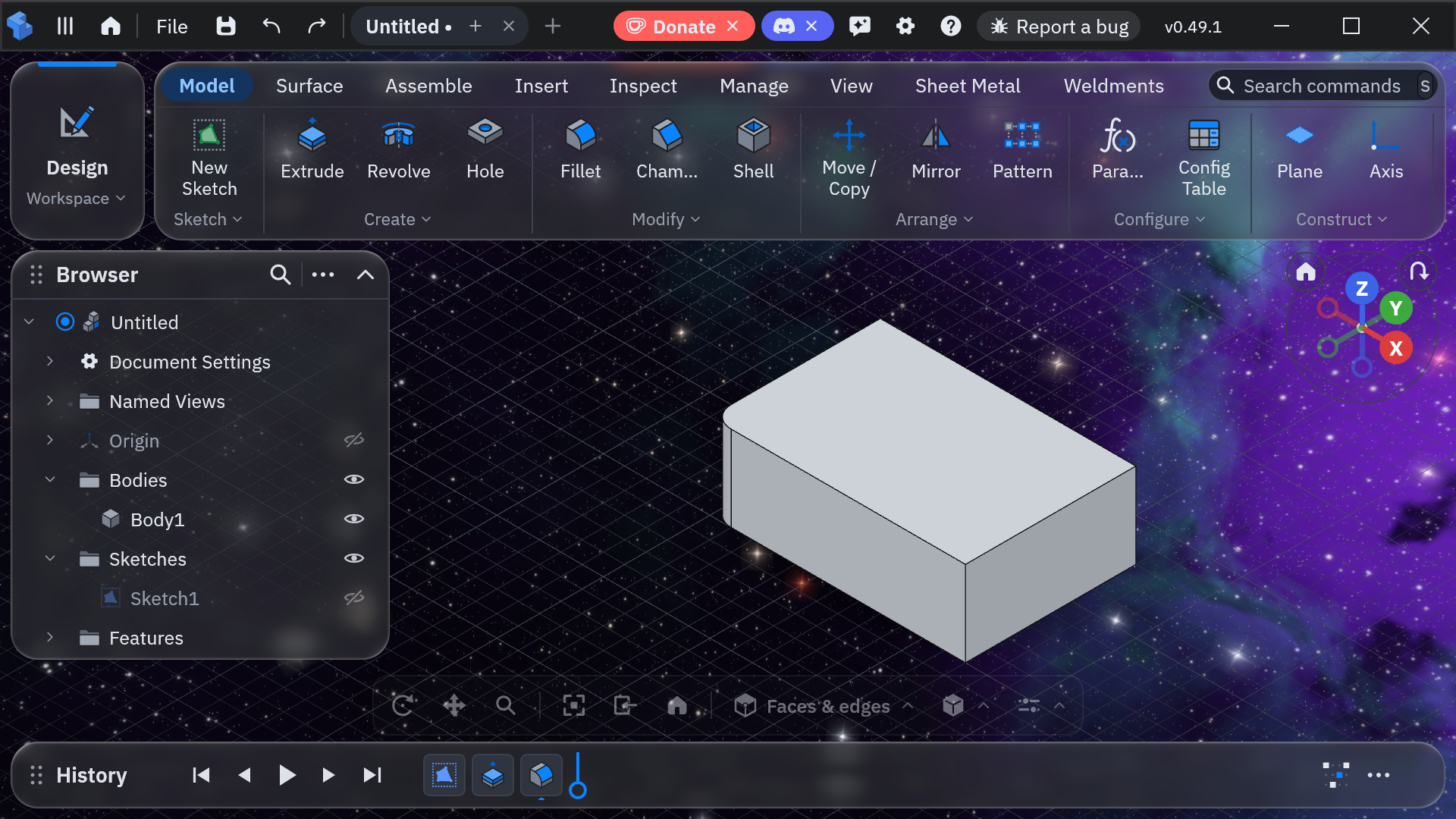
What it adds to SolidCraft
See the plugin's README on GitHub.
Install Liquid Craft
- Download the zip above (from release v3.0.5).
- In SolidCraft: Plugins › Install plugin… and pick the zip.
- Run it from the Plugins menu, or its button in the ribbon (SolidCraft 0.42 and later).
It is on the SolidCraft Workshop too: its Open in SolidCraft button installs it, after SolidCraft shows what it asks for.
Questions and bug reports go to the plugin's author, in the issues on GitHub. If it crashes SolidCraft, harms a design or looks unsafe, please also report it to this list, so others can be warned.
What's new in v3.0.5 (2026-11-27)
Workshop listing: its description no longer has a picture the Workshop can't load; the listing picture comes from the files list. No plugin changes.
Similar SolidCraft plugins
- 360 Galaxy A wrap-around galaxy behind the model that turns with the view, seen through glass themes.
- Rain on the Window Rain running down a frosted window over a city at night, behind the model. Drops land,…
- RGB Wave Ribbon icons, button blocks and panels cycle through hue in a wave across the window.
- Parasolid XT Exporter Clean-room Parasolid XT (.x_b, .x_t) B-rep exporter plugin powered by xtopen.
- Parasolid XT Importer Clean-room Parasolid XT (.x_b, .x_t, .x_p) and Siemens NX (.prt) B-rep importer powered…
- Planetary gear Solidcraft planetary-gear-0.1.2